Coding for 9-Year-Olds: The 2026 Parent's Guide to the Sweet Spot Age
Nine is the sweet-spot age to start coding. A 9-year-old has the reading level, attention span, and abstract-reasoning seeds to handle real text-based programming with an AI tutor — and can build a first website in about four weeks. Here is the data-backed 2026 guide.


In This Article
The Direct Answer: Is 9 a Good Age to Start Coding?
Yes — nine is one of the best ages to start coding. A typical 9-year-old has the reading fluency to follow guided instructions, the attention span for 30-minute focused sessions, and the emerging abstract reasoning that makes programming concepts click. Across 1,200 KidsCode Gift students, the median 9-year-old wrote their first working line of code in about 28 minutes and built a first styled personal website in roughly four weeks of practice (90 minutes per week).
The format that works best at this age is guided text-based coding with a safe AI tutor — not pure visual blocks (which 9-year-olds often find babyish) and not fully self-directed text coding (which frustrates them). The sweet spot is a structured course where the child writes real HTML, CSS, and early JavaScript while an AI assistant explains errors and suggests fixes.
Cognitive science research from Carnegie Mellon (2025) confirms this build-first approach produces significantly better concept retention at the 6-month mark than theory-first or block-only methods.
Why Age 9 Is the Coding Sweet Spot
Three developmental factors converge at age nine:
1. Reading fluency is sufficient. A 9-year-old can read and follow guided instructions independently, which is the gating skill for text-based coding. Younger children (7–8) often need an adult to read instructions aloud; 9-year-olds usually do not.
2. Attention span supports 30-minute sessions. The KidsCode Gift data shows 20–30 minutes of daily practice produces 2.7x faster progress than longer, less frequent sessions. A 9-year-old can sustain this consistently — the consistency, not the session length, drives the result.
3. Abstract reasoning is emerging. Stanford's 2025 longitudinal study tracked 800 students from age 8 to 14 and found that children who started coding before age 10 retained significantly more concepts at the four-year mark than those who started at 12 or later. Nine sits squarely inside this high-retention window.
There is also a motivational factor: 9-year-olds are old enough to want to build "real" things (a real website, a real game) and young enough that early wins lock in long-term interest. This is the age where a child transitions from "playing with coding toys" to "being a coder."
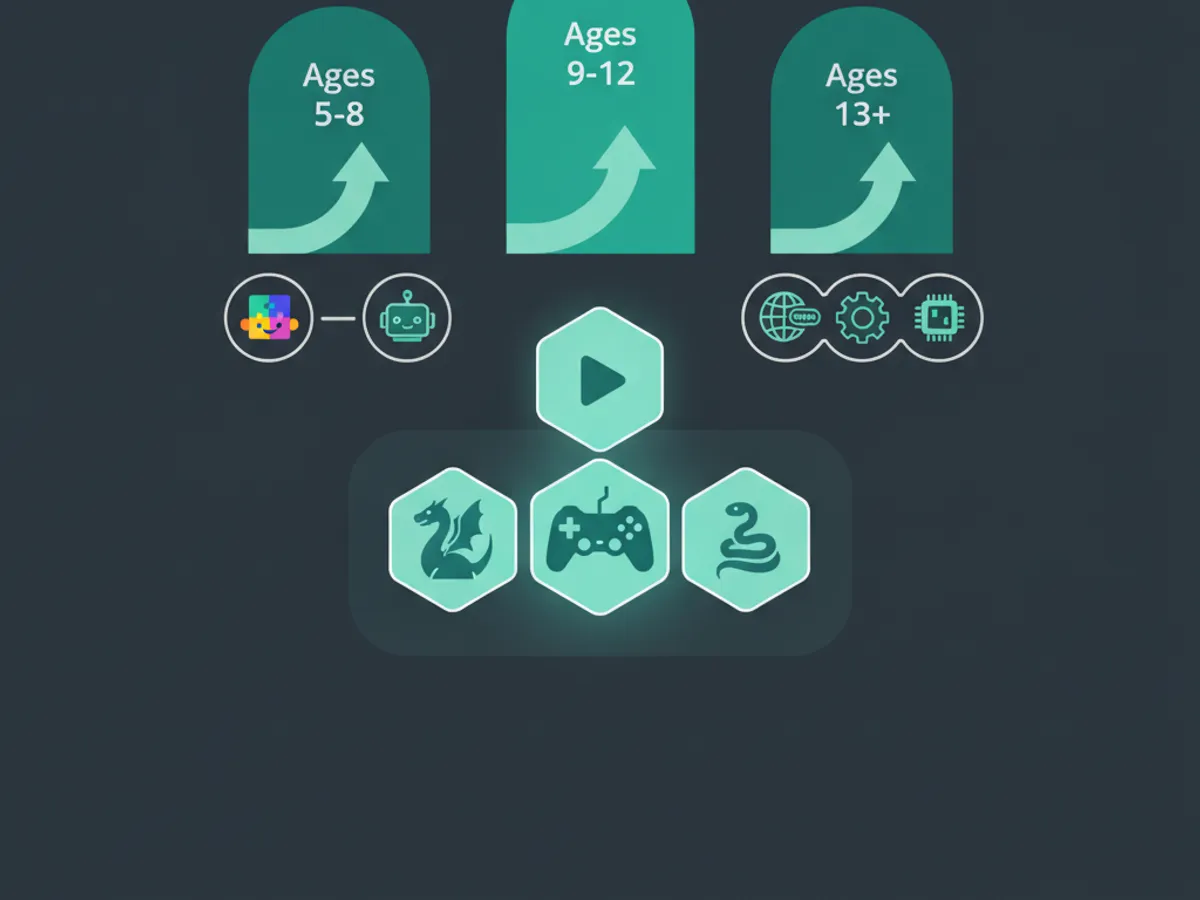
Best Languages and Tools for a 9-Year-Old
The progression that works for a 9-year-old, in order:
Start: HTML + CSS. HTML is the skeleton of a webpage; CSS is the style. A 9-year-old can write their first <h1> and <p> tags in the first session and have a personal webpage by week 4. The visual, immediate-feedback nature of web development is ideal for this age.
Next: JavaScript. Once the child is comfortable with HTML/CSS, JavaScript adds interactivity — buttons that change colors, counters, simple games. This is where coding starts to feel like magic to a 9-year-old.
Later: Python. Python introduces real text-based programming logic (variables, loops, conditionals). Most 9-year-olds are ready for Python after 2–3 months of HTML/CSS/JavaScript, not as a first language.
Visual blocks (Scratch) as a supplement, not a ceiling. Scratch is a fine introduction for a 7–8-year-old, but a 9-year-old is often ready to move beyond blocks. Pure block platforms delay text-based fluency by 8–14 weeks (NFER 2024 review); at 9, you do not want that delay.
The tool matters as much as the language. A COPPA-compliant platform with a safe AI tutor, instant live preview, and a portfolio is the right environment. A raw code editor with no guidance frustrates 9-year-olds; a guided, project-based platform keeps them engaged.
A Sample 4-Week Plan for a 9-Year-Old
This is the typical milestone schedule for a 9-year-old beginner practicing 3 sessions of 30 minutes each per week (90 minutes total), drawn from the 1,200-student dataset:
Week 1 — First HTML page. The child writes their first <h1>, <p>, and <img> tags. By week's end they have a working personal page. Nearly all 9-year-olds complete this milestone.
Week 2 — Adding style with CSS. Colors, fonts, basic layouts. Children typically spend extra "fun time" experimenting with colors and gradients — this is a good sign, not a distraction.
Week 3 — Layout and responsive design. Flexbox basics; making the page look good on phones, tablets, and laptops. Share rates of student work jump roughly 3x at this milestone.
Week 4 — First interactivity. A JavaScript button that changes the page color; a counter that goes up on click. The page is now a real interactive site.
By the end of week 4, the child has a styled, interactive personal website they can share with family. This is the artifact that converts "I'm learning to code" into "I'm a coder" — and it is achievable in one month for a typical 9-year-old.
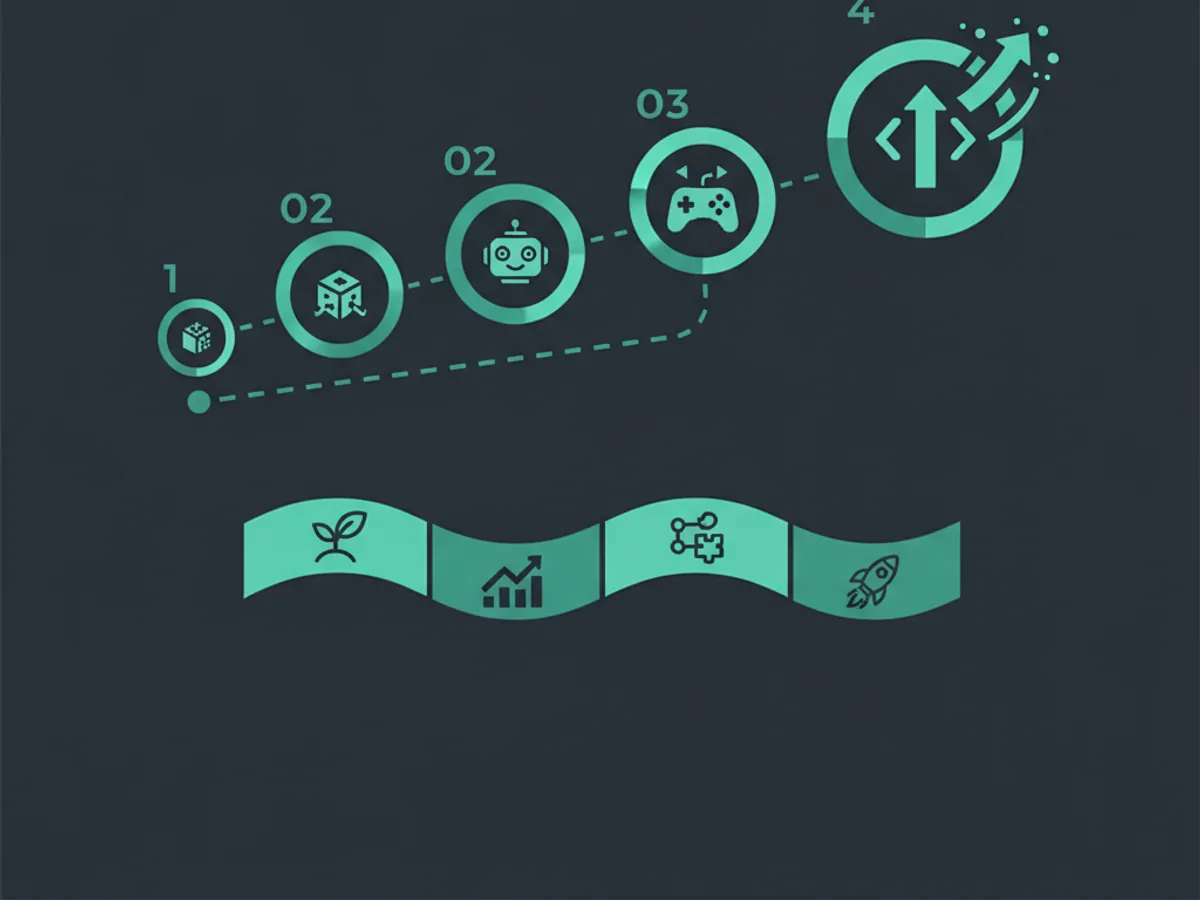
What a 9-Year-Old Actually Builds
The most important question parents ask is not "what will my child learn?" but "what will my child build?" Tangible artifacts are what sustain motivation. A 9-year-old on a guided platform typically builds, over 3–6 months:
- •A personal website — an "About Me" page with photos, colors, and styling.
- •An interactive quiz game — multiple choice with scoring (JavaScript).
- •A digital greeting card — an animated card they can send to grandparents.
- •A simple adventure game — text-based choices with branching outcomes.
- •A small portfolio — 3–5 projects they can show friends, family, and teachers.
Every project becomes part of a shareable coding portfolio — tangible proof of growth that badge-only platforms cannot match. This portfolio matters: it is what makes coding "real" to the child and to the adults in their life.

Signs of Real Progress (and Red Flags)
Green flags that learning is sticking:
- •The child talks about coding outside of coding time ("I want to make a website for my dog").
- •They debug their own errors before asking for help.
- •They choose to code when given free time.
- •They show their projects to friends and family unprompted.
Red flags that the approach is wrong:
- •Sessions end in frustration most days (the tool is too hard or too open-ended).
- •The child is only watching videos, not writing code (passive consumption).
- •Long sessions (over 60 minutes) producing diminishing returns — common under age 14.
- •A pure-block platform the child finds "babyish" — at 9, this is a sign to move to text.
The single biggest predictor of long-term success is consistency: 20–30 minutes, 4–5 days a week, beats one long weekly session every time. If your 9-year-old is practicing consistently and building things they are proud to share, the approach is working — regardless of pace.
Frequently Asked Questions
What is the best coding language for a 9-year-old?
How much time should a 9-year-old spend coding?
Does a 9-year-old need parental supervision to code?
How much does coding for a 9-year-old cost?
Should a 9-year-old start with Scratch or text coding?
Free: First 10 Coding Projects for Kids (PDF)
A printable starter pack — real projects your child can build this weekend. No spam, unsubscribe anytime.
Start Your Child's Coding Journey Today
Two full courses free. No credit card required. AI-assisted learning for ages 7–16.
Get Started Free