AI Coding for Kids: The Complete Parent's Guide for 2026
AI coding for kids is the fastest-growing skill in education. Children as young as 7 can now build real websites and apps using safe, guided AI assistants — here's exactly how it works and why it matters.
In This Article
What Is AI Coding for Kids?
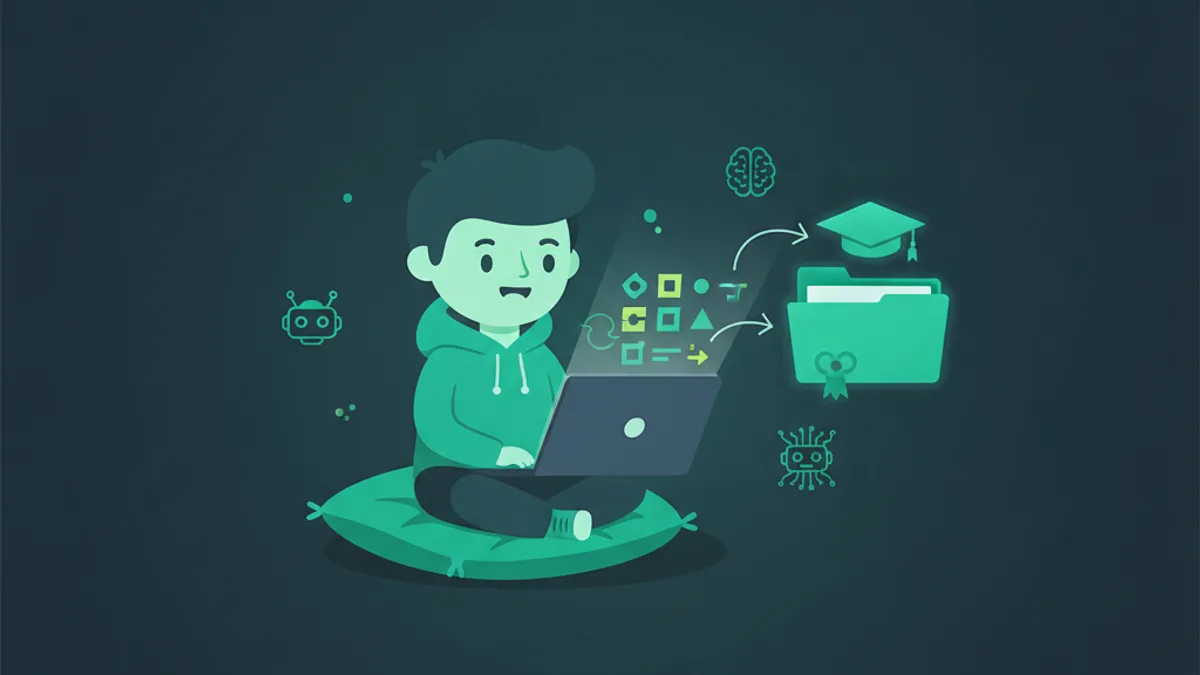
AI coding for kids combines traditional programming fundamentals with safe, guided artificial intelligence tools that help children build real projects faster. Instead of memorizing syntax, kids learn computational thinking while an AI assistant handles boilerplate code — letting them focus on creativity and problem-solving.
School districts across the U.S. are increasingly implementing generative AI initiatives in their curricula. This shift recognizes that AI literacy is no longer optional — it's becoming a core competency alongside reading and mathematics.
At KidsCode Gift, children ages 7–16 use a safe, filtered AI assistant to build websites, games, and interactive apps. The AI never writes code for them; instead, it explains concepts, suggests improvements, and helps debug — much like a patient tutor who's always available.
Why AI Coding Matters for Your Child's Future
The World Economic Forum's 2025 Future of Jobs Report identifies AI literacy as one of the top five skills employers will seek by 2030. Children who learn to collaborate with AI tools today will have a significant advantage in any career path — not just technology.
Here's what educators consistently observe about the benefits:
- •Critical Thinking: Coding with AI scaffolding teaches systematic problem-solving — breaking big problems into steps, testing hypotheses, and debugging — skills that transfer to every subject.
- •Creativity: AI removes the "blank page" problem. Kids can describe what they want to build in plain English and immediately see a starting point they can customize and improve.
- •Confidence: Completing a real, working project gives children concrete proof of their own capability — parents regularly report kids feeling "more capable" after finishing an AI-assisted project.
- •Safety: Modern AI coding platforms for kids use content filters, output restrictions, and age-appropriate guardrails that prevent exposure to harmful content.

How KidsCode Gift Makes AI Coding Safe and Fun
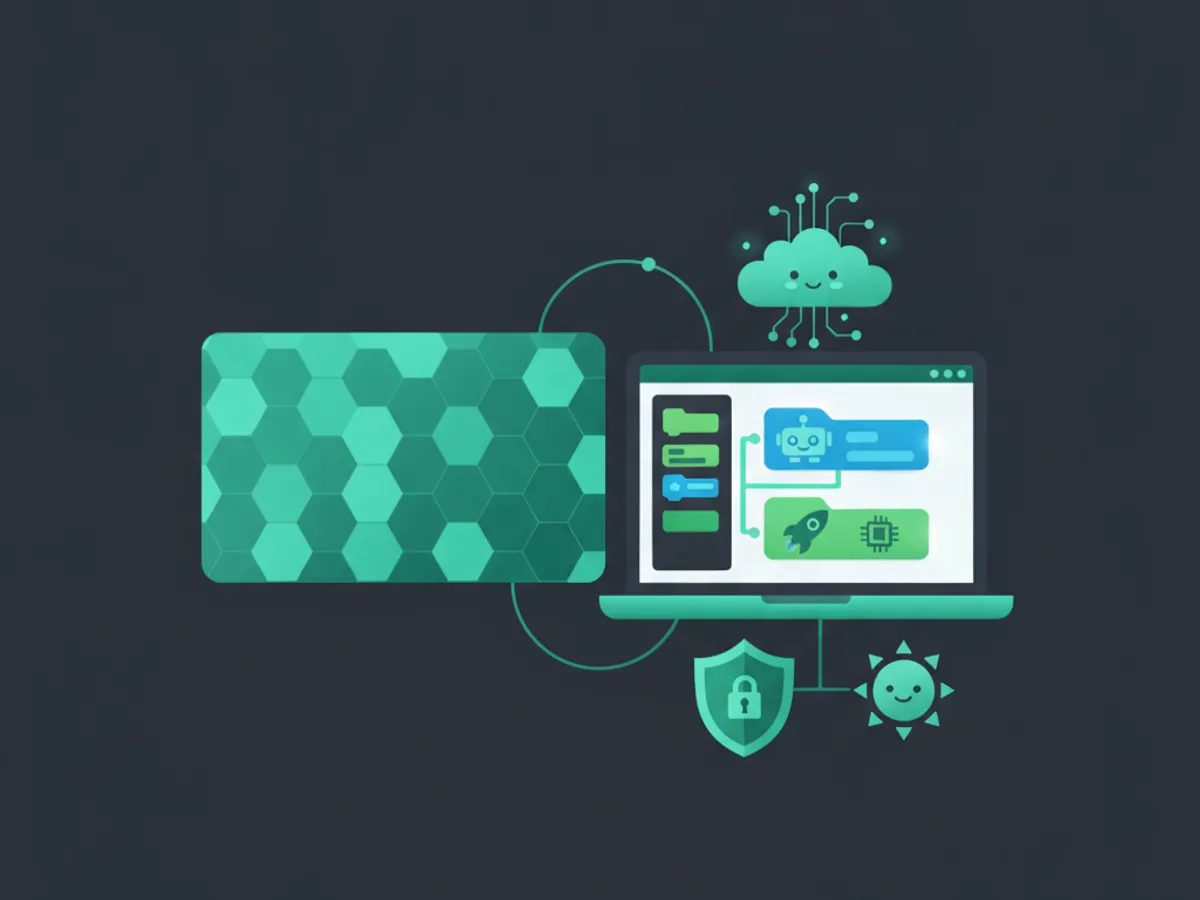
KidsCode Gift is purpose-built for young learners. Every interaction with the AI assistant is filtered through multiple safety layers:
- •Content Filtering: All AI outputs are scanned for age-appropriateness before being shown to the child.
- •Guided Projects: Instead of open-ended prompts, kids follow structured learning paths that teach real skills — HTML, CSS, JavaScript, and Python.
- •Portfolio Building: Every project a child completes becomes part of their personal coding portfolio, providing tangible proof of growth that parents can share.
- •Token-Based System: Children receive a daily allocation of AI tokens, encouraging thoughtful use rather than dependency.
The platform offers five structured courses with over 25 interactive lessons, each combining video instruction, concept panels, quizzes, and hands-on coding challenges.
What Age Should Kids Start AI Coding?
Children can begin guided AI coding as early as age 7, though the ideal starting point depends on reading ability and interest level. Here's a general framework:
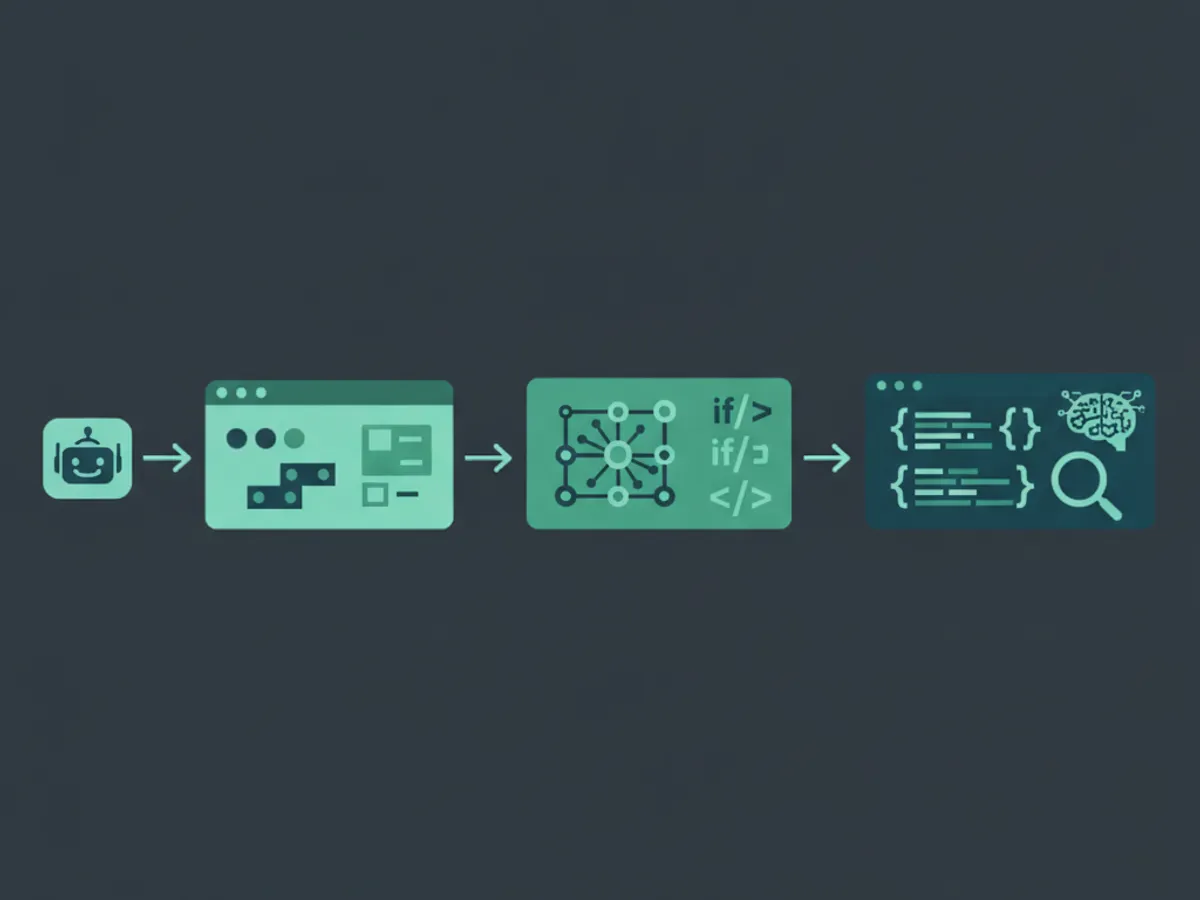
- •Ages 7–9: Visual block-based coding with simple AI explanations. Focus on understanding what code does, not writing it from scratch.
- •Ages 10–12: Introduction to text-based coding (HTML/CSS) with AI as a "coding buddy" that explains errors and suggests fixes.
- •Ages 13–16: Full AI-assisted development — building real websites, games, and apps with JavaScript and Python.
Educators widely observe that children who start coding early develop stronger abstract reasoning habits that benefit them across academic subjects.
Getting Started: Your Child's First AI Coding Project
The best way to start is with a simple, visual project that produces immediate results. At KidsCode Gift, the "How Websites Work" course teaches kids to build their first webpage in under 30 minutes using HTML, CSS, and guided AI assistance.
Here's what a typical first session looks like:
- •Watch a 5-minute video explaining how websites are like a human body — HTML is the skeleton, CSS is the skin, JavaScript is the brain.
- •Try a guided challenge where the AI helps the child write their first HTML tags.
- •See instant results in a live preview panel.
- •Earn XP and badges that track progress and motivate continued learning.
Parents can sign up for a free tier that includes the first two courses, or choose a Creator Plan for full access to all courses, AI tools, and portfolio features.
Frequently Asked Questions
Is AI coding safe for kids?
What age can kids start AI coding?
Will AI replace the need to learn coding?
How much does AI coding for kids cost?
Free: First 10 Coding Projects for Kids (PDF)
A printable starter pack — real projects your child can build this weekend. No spam, unsubscribe anytime.
Start Your Child's Coding Journey Today
Two full courses free. No credit card required. AI-assisted learning for ages 7–16.
Get Started Free