Scratch Game Ideas for Kids: 20 Projects From Beginner to Advanced (2026)
Scratch game ideas kids can actually finish: 20 projects from a first catch-the-apple game to a multi-level platformer, sorted by difficulty with what each one teaches. Plus how to move beyond blocks into real text coding.
In This Article
The Direct Answer: 20 Scratch Game Ideas by Difficulty
Here are 20 Scratch game ideas kids can build, sorted from beginner to advanced. Each teaches specific coding concepts and can be finished in one to a few sessions:
Beginner (first 2–3 projects): 1. Catch the Apple — a basket catches falling apples (variables, cloning) 2. Click the Cat — a whack-a-mole reaction game (events, timing) 3. Coloring Book — click to fill shapes (broadcast, costumes) 4. Dance Party — characters dance to music (loops, sounds) 5. Greeting Card — an animated card for a holiday (sequence, timing)
Intermediate (after 4–6 weeks): 6. Maze Game — navigate a sprite to the exit (conditionals, sensing) 7. Pong — paddle and ball (variables, collision) 8. Quiz Game — multiple-choice with scoring (lists, operators) 9. Flap the Bat — a Flappy-Bird-style game (gravity, cloning) 10. Virtual Pet — feed and care for a pet (variables, state)
Advanced (after 3+ months): 11. Platformer — jump across platforms (gravity, scrolling) 12. Tower Defense — place defenders against waves (lists, cloning) 13. RPG Dialogue — branching conversations (lists, broadcasts) 14. Racing Game — lap timing and AI opponents (variables, sensing) 15. Top-Down Adventure — explore a map with quests (state, lists)
Creative stretch projects: 16. Music Maker — compose by clicking (lists, sound) 17. Animation Studio — frame-by-frame storytelling (costumes, timing) 18. Physics Sandbox — bouncing and colliding shapes (operators) 19. Multiplayer (local) — two-player same-keyboard (sensing) 20. Story Engine — choose-your-own-adventure (lists, broadcasts)
You can see real kid-built projects and remix them at our public project showcase at kidscodegift.com/projects/shared.
Beginner Scratch Game Ideas (Start Here)
The five beginner projects are designed so a child finishes something playable in their first or second session. The goal at this stage is the "I made a real game" moment — which, per Common Sense Media's 2025 Engagement Study, is the single biggest predictor of continued coding interest.
Catch the Apple is the ideal first game. A basket at the bottom of the screen catches apples falling from the top. It teaches three core concepts at once: events (when the apple touches the basket), variables (the score), and cloning (multiple apples). A child can build it in 30–45 minutes and immediately play it.
Click the Cat is a reaction game where a sprite appears at random spots and the player clicks it for points. It introduces timing and randomness — the foundation of every game that feels "fun."
The principle for beginners: one new concept per project, a playable result every session. Avoid projects that require understanding many concepts before anything runs. The reward loop must be tight.
Intermediate Scratch Game Ideas
Once a child has built 4–5 beginner games, they are ready for projects that combine multiple concepts and introduce state — the idea that a game remembers things over time.
Maze Game is the classic intermediate project. A sprite navigates a drawn maze to reach an exit. It teaches conditionals (if touching wall, stop) and sensing (colors, edges), and it feels like a "real" game immediately.
Pong introduces collision and angle reflection — the math behind most arcade games. Quiz Game introduces lists (arrays) and operators (checking if the answer is correct), which are the bridge to text-based programming concepts.
Flap the Bat (a Flappy Bird clone) is the project that most clearly bridges beginner and advanced. It requires gravity (a variable that changes the sprite's Y position each frame), cloning (pipes), and collision — three concepts working together. Finishing it is a genuine milestone.
At this stage, encourage remixing — taking an existing project and modifying it. The MIT Media Lab (which created Scratch) reports that remixing is how the majority of young Scratch learners develop their skills. Our public showcase at /projects/shared is full of remixable examples.
Advanced Scratch Game Ideas
Advanced projects introduce game architecture — multiple systems (movement, enemies, scoring, levels) running together. These take several sessions and are where a child starts thinking like a developer rather than a scripter.
Platformers (Mario-style) teach gravity, jumping, scrolling backgrounds, and level design. Tower Defense games teach lists of enemies, wave management, and placing objects — the logic behind most commercial mobile games. RPG Dialogue systems teach branching logic and state management, the foundation of narrative games.
The key teaching shift at this level: plan before building. A child making a platformer should sketch the levels on paper first. This is the moment coding becomes engineering — breaking a big idea into parts before writing any code. It is also the moment many kids are ready to move beyond blocks (see the next section).
How to Remix and Share Scratch Games
Remixing is the heart of how kids learn on Scratch. The MIT Media Lab reports Scratch hosts over 100 million projects, and the vast majority of young creators develop their skills by modifying existing projects rather than starting from scratch.
How to remix effectively:
- •Find a project you like (on Scratch or our /projects/shared showcase).
- •Open it and read the code — figure out what each block does.
- •Change one thing — a sprite, a color, a speed value. Play it.
- •Change a bigger thing — add a new level, a new enemy, a new rule.
- •Make it your own — by the fifth change, it is a new project you understand completely.
Sharing: Kids should share their games. Showing a finished game to family and friends is the motivation that keeps them building. Our public project showcase lets kids publish COPPA-safe, moderated projects with a shareable link — a safer alternative to fully open platforms.
The rule: remix freely, share proudly, always credit the original. This is how the Scratch community, and our showcase, are designed to work.
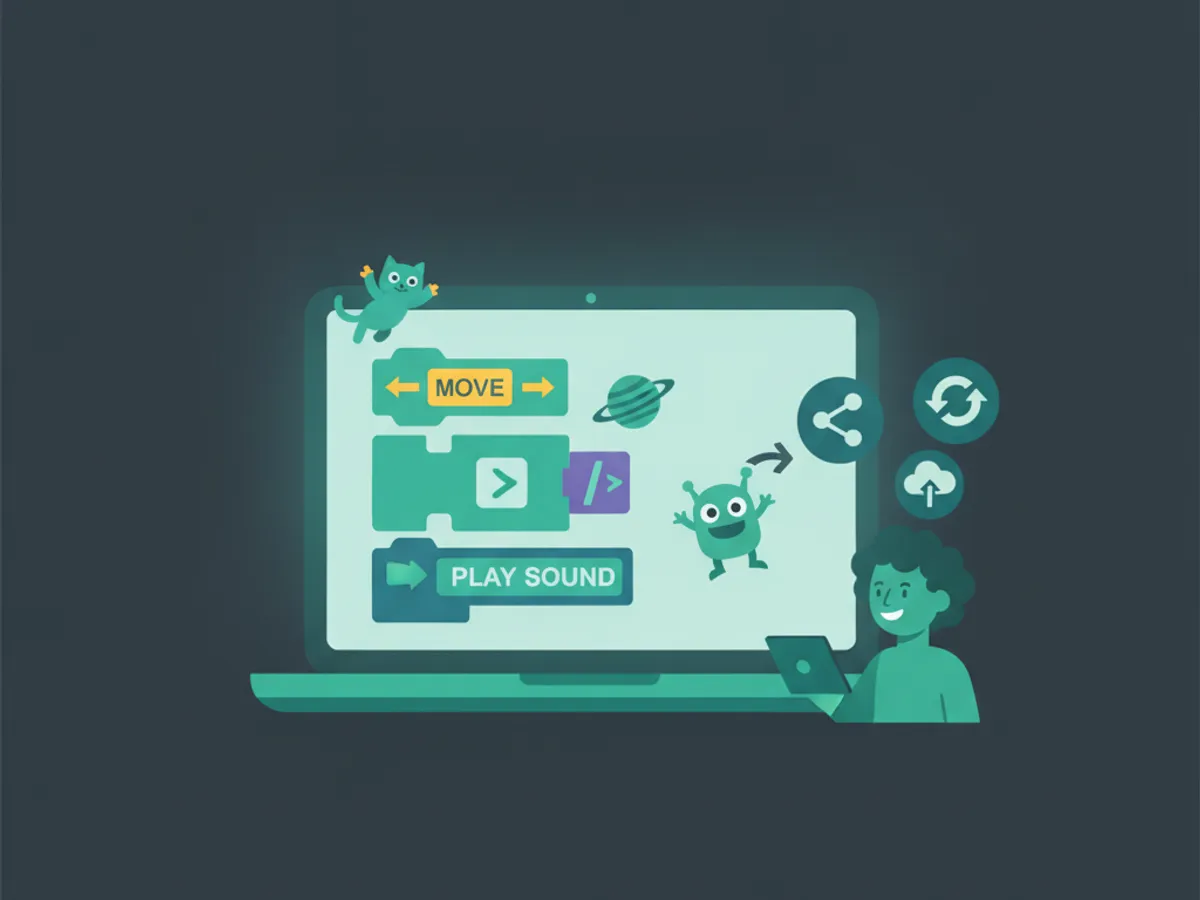
Beyond Scratch: Moving to Real Text Coding
Scratch is an outstanding starting point — but it is a starting point, not a destination. The NFER 2024 review found that children who stay on pure block platforms past age 10 delay text-based programming fluency by 8 to 14 weeks. The concepts transfer; the syntax does not.
When to move beyond Scratch:
- •The child has built 5–10 Scratch games and is comfortable with loops, conditionals, variables, and lists.
- •They are age 9–10 or older.
- •They are starting to feel limited by blocks ("I want to do something Scratch can't").
- •They want to build a *real* website or app, not a Scratch project.
The natural next step is HTML, CSS, and JavaScript — the languages of the web. A child who understands Scratch variables understands JavaScript variables; a child who understands Scratch loops understands JavaScript loops. The transfer is direct, and the payoff is huge: real websites and games that run anywhere, not just inside the Scratch editor.
From there, Python introduces pure programming logic and is the bridge to AI and data science concepts. A 10-year-old who started in Scratch can be building real JavaScript games within a few months and Python projects within six — the same timeline as a child who started with text directly.
The path: Scratch (ages 7–9) → HTML/CSS/JavaScript (ages 9–11) → Python (ages 10–13) → AI and advanced projects (12+). Scratch is the on-ramp; it is not the highway.
Frequently Asked Questions
What is the best first Scratch game for a kid to make?
What age is Scratch good for?
Is Scratch real coding?
Where can kids share the Scratch games they make?
Is Scratch free for kids?
Free: First 10 Coding Projects for Kids (PDF)
A printable starter pack — real projects your child can build this weekend. No spam, unsubscribe anytime.
Start Your Child's Coding Journey Today
Two full courses free. No credit card required. AI-assisted learning for ages 7–16.
Get Started Free