Coding Websites for Kids 2026: 15 Best Sites and Apps Ranked by Age and Skill
The 15 best coding websites and apps for kids in 2026, ranked by age, skill level, price, and whether they teach real code or just blocks. Free and paid COPPA-safe options.
In This Article
- 1The Short Answer: Best Coding Websites for Kids in 2026
- 2Coding Websites vs Coding Apps vs Coding Platforms: What Is the Difference?
- 3The 15 Best Coding Websites and Apps for Kids: Ranked Comparison
- 4Best Coding Websites for Kids by Age Group
- 5Free vs Paid Coding Websites: What You Actually Get
- 6What to Look for in Coding Websites for Kids: Safety Checklist
- 7Coding Games for Kids That Teach Real Code
- 8Building a Portfolio on Coding Websites
- ?Frequently Asked Questions
The Short Answer: Best Coding Websites for Kids in 2026
The best coding websites for kids in 2026 are KidsCode Gift (best AI-powered, ages 7-16), Scratch (best free for beginners ages 8-12), Code.org (best free for classrooms), Tynker (best gamified app for ages 5-14), and CodaKid (best for Minecraft and Roblox coders). For coding apps for kids no ads, KidsCode Gift and CodaKid are the top COPPA-compliant picks. The right choice depends on age, budget, and whether your child needs block-based or text-based coding — this guide ranks all 15 options.
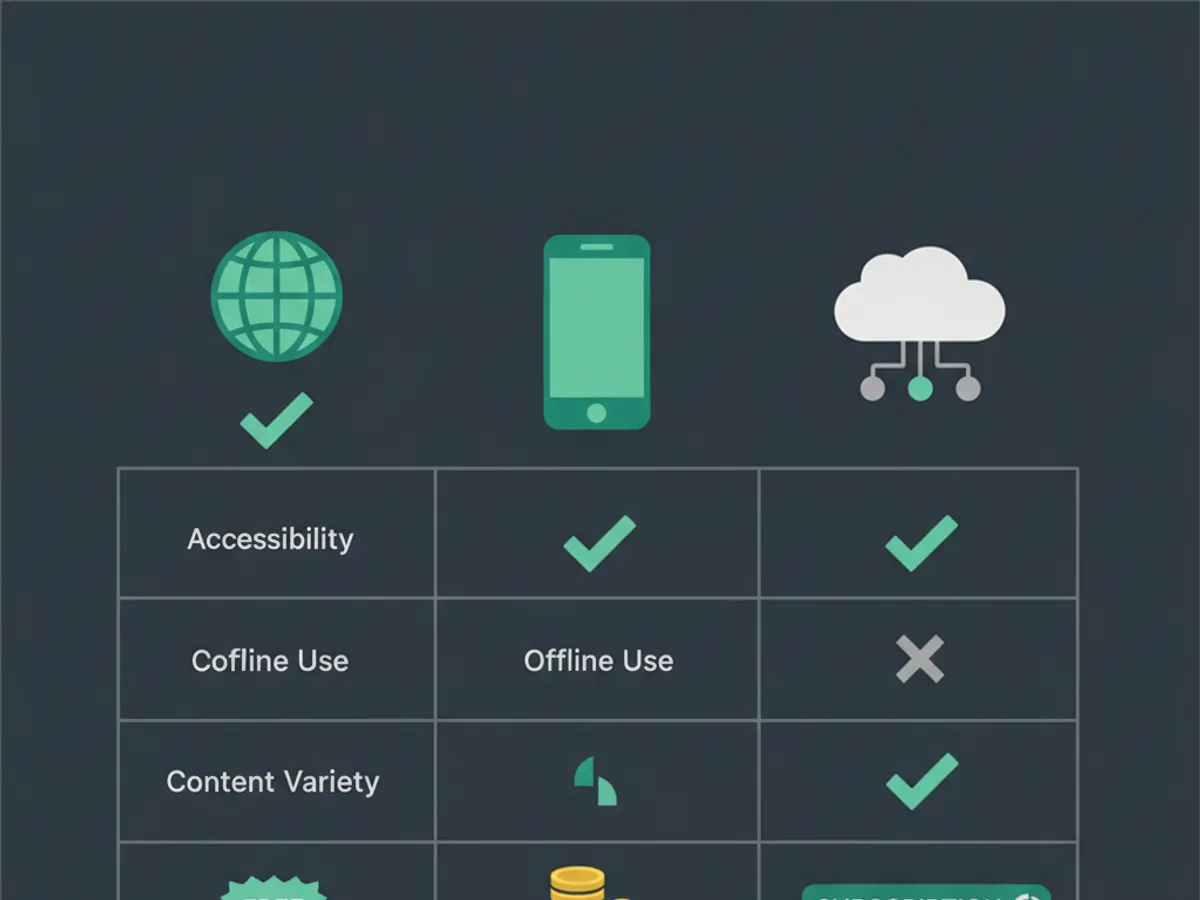
Coding Websites vs Coding Apps vs Coding Platforms: What Is the Difference?
Parents often use these terms interchangeably, but they are different — and the distinction matters for choosing the right tool.
Coding websites for kids are browser-based platforms accessed through a web URL. Examples: Scratch, Code.org, KidsCode Gift, Khan Academy. Pros: no installation, works on any device, easy sharing. Cons: requires internet, browser performance limits.
Coding apps for kids are native applications installed on a tablet or phone. Examples: Tynker (iPad), ScratchJr (iPad/Android), Grasshopper (mobile). Pros: offline access, touch-optimized, app store safety review. Cons: device-specific, smaller screens, harder to type code on tablets.
Coding platforms for kids are comprehensive ecosystems that include curriculum, editor, feedback, and portfolio. Examples: KidsCode Gift, CodaKid, Juni Learning. Pros: structured learning path, progress tracking, portfolio. Cons: usually paid, steeper onboarding.
Coding games for kids teach coding concepts through gameplay. Examples: CodeCombat, CodinGame, Roblox Studio. Pros: high engagement, feels like play. Cons: may prioritize entertainment over skill development, limited transfer to real coding.
The best coding websites for beginners start with block-based coding (Scratch, Code.org) and transition to text-based coding (Python, JavaScript) by age 9-10. Staying in block coding beyond age 10 limits skill transfer to real programming.
The 15 Best Coding Websites and Apps for Kids: Ranked Comparison
Here is the full ranking of the 15 best coding websites and apps for kids in 2026, evaluated on age range, price, format, languages, portfolio, and safety:
| Rank | Website/App | Ages | Price/Month | Format | Languages | Portfolio | COPPA | Ads |
|---|---|---|---|---|---|---|---|---|
| 1 | KidsCode Gift | 7-16 | $12-25 | AI Website | Python, JS, HTML/CSS | Yes | Yes | No |
| 2 | Scratch | 8-16 | Free | Website | Block | Yes | Yes | No |
| 3 | Code.org | 5-18 | Free | Website | Block, Python | No | Yes | No |
| 4 | Tynker | 5-14 | $10-20 | App + Website | Block, Python, JS | Limited | Yes | No |
| 5 | CodaKid | 8-15 | $29 | Website | Python, Java, Lua | Yes | Yes | No |
| 6 | Khan Academy | 8-18 | Free | Website | JS, HTML/CSS | No | Yes | No |
| 7 | CodeCombat | 9-16 | $10-20 | Website | Python, JS | Yes | Yes | No |
| 8 | ScratchJr | 5-7 | Free | App | Block | No | Yes | No |
| 9 | Grasshopper | 8-16 | Free | App | JavaScript | No | Yes | No |
| 10 | CodinGame | 12-18 | Free | Website | Python, Java, C++ | No | Yes | No |
| 11 | Roblox Studio | 10-16 | Free | App | Lua | Yes | Yes | No |
| 12 | CodeMonkey | 5-14 | $5-10 | Website | Block, Python | Limited | Yes | No |
| 13 | Juni Learning | 8-18 | $140-260 | Website | Python, Java | Yes | Yes | No |
| 14 | Create & Learn | 7-18 | $70-120 | Website | Python, AI | Yes | Yes | No |
| 15 | Bitsbox | 6-12 | $20-30 | App + Box | JavaScript | Yes | Yes | No |
Top picks by category: - Best overall: KidsCode Gift — AI-powered, builds portfolio, COPPA-compliant, no ads - Best free: Scratch — most popular block coding platform, 100M+ projects shared - Best for classrooms: Code.org — used by 80M+ students globally - Best coding app for kids: Tynker — gamified progression from blocks to Python - Best for Minecraft/Roblox fans: CodaKid — kids code mods for games they already love - Best for teens: CodeCombat — real Python and JavaScript through RPG gameplay
Best Coding Websites for Kids by Age Group
Different ages need different coding websites. Here is the age-by-age breakdown:
Ages 5-7: Coding websites for kids free and fun - ScratchJr (free app): Picture-based coding blocks, no reading required. Developed by MIT Media Lab and Tufts University. - Code.org Pre-Reader Express (free): 20-hour course with drag-and-drop puzzles featuring popular characters. - Tynker Junior (free with subscription): Picture blocks, no reading. Best for iPad users.
At this age, the goal is logic and sequencing, not syntax. MIT Media Lab research shows that block-based coding at ages 5-7 develops computational thinking that transfers to text-based coding later.
Ages 8-10: Transition to real code - KidsCode Gift ($12-25/month): AI-powered Python and JavaScript with real projects. Best for this age group because the AI tutor provides feedback when kids get stuck. - Scratch (free): Block coding with more complex logic — variables, lists, custom blocks. 100M+ projects shared globally. - Code.org CS Fundamentals (free): 6-course progression from blocks to intro Python.
Ages 11-13: Independent projects - KidsCode Gift ($12-25/month): Full Python and JavaScript curriculum with portfolio. - CodaKid ($29/month): Python and Java with Minecraft and Roblox modding. - CodeCombat ($10-20/month): Real Python and JavaScript through RPG gameplay. - Khan Academy (free): JavaScript and HTML/CSS with video lessons.
Ages 14-16: Advanced and portfolio-building - KidsCode Gift ($12-25/month): Advanced projects, web development, AI/ML intro. - CodinGame (free): Competitive programming puzzles in Python, Java, C++. - Juni Learning ($140-260/month): Live 1-on-1 for AP Computer Science prep. - Roblox Studio (free): Lua programming with real game publishing.
Common Sense Media app ratings consistently favor coding websites and apps that combine education with engagement — look for their "Learning" rating of 4+ stars when evaluating new platforms.
Free vs Paid Coding Websites: What You Actually Get
The biggest question parents ask: are free coding websites for kids enough, or do you need to pay?
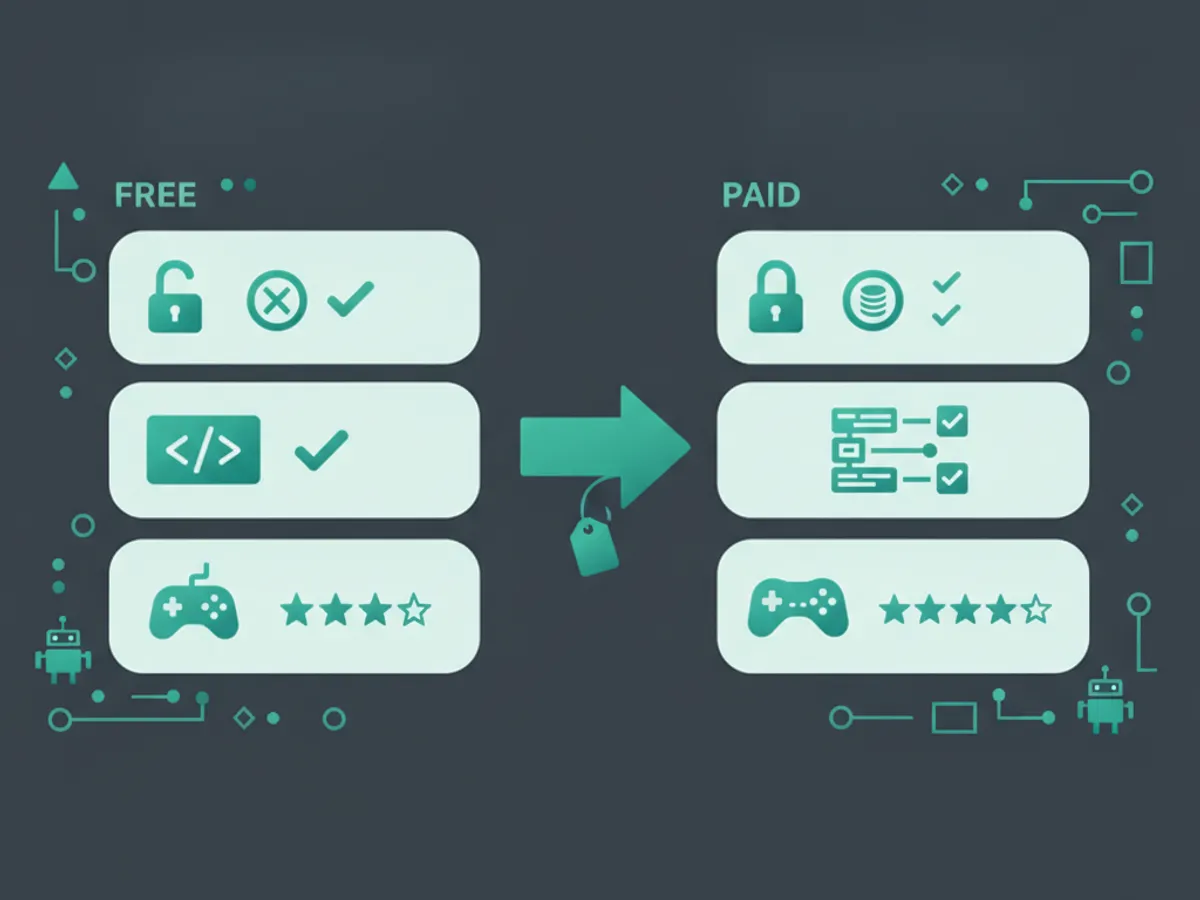
What free coding websites provide: - Block-based coding curriculum (Scratch, Code.org) - Basic text coding tutorials (Khan Academy, Grasshopper) - Community project sharing (Scratch) - No personalized feedback - No structured portfolio - No progression tracking beyond course completion
What paid coding websites add: - AI-powered feedback on every line of code (KidsCode Gift) - Structured curriculum from beginner to advanced (KidsCode Gift, CodaKid) - Portfolio building with shareable links (KidsCode Gift, CodaKid) - Real programming languages from day one (KidsCode Gift, CodaKid) - Progress tracking for parents (KidsCode Gift, Tynker) - No ads, COPPA-compliant data handling (all paid options)
The MIT Media Lab Scratch research found that while 80% of kids create their first Scratch project within a week, only 12% progress to advanced projects without structured guidance. Free platforms are excellent for exploration but insufficient for sustained skill development.
The COPPA compliance factor: Under the Children is Online Privacy Protection Act, any website or app collecting data from children under 13 must obtain parental consent, limit data collection, and provide data deletion. All 15 platforms in our ranking are COPPA-compliant, but many free apps in app stores are not. Always verify COPPA compliance before letting a child under 13 use a coding app.
Recommendation: Start free (Scratch or Code.org) for 2-4 weeks to assess interest. If your child is engaged, upgrade to a paid platform with AI feedback and portfolio building. The $12-25/month investment produces dramatically better outcomes than staying on free platforms indefinitely.
What to Look for in Coding Websites for Kids: Safety Checklist
Not all coding websites for kids are created equal. Use this checklist before enrolling your child:
Safety requirements (non-negotiable): - COPPA compliant (required by U.S. law for children under 13) - No third-party advertising - No in-app purchases without parent approval - No unmoderated chat or social features - Data encryption and clear privacy policy - Parental account access to child is data
Educational quality indicators: - Teaches real programming languages (Python, JavaScript) not just blocks - Project-based learning — kids build things, not just watch tutorials - Clear curriculum progression from beginner to advanced - Feedback on student code (AI or human) - Portfolio or project gallery to showcase work - Aligned with CSTA K-12 Computer Science Standards
Red flags to avoid: - Ads displayed to children (revenue model conflicts with education) - No free trial or demo (legitimate platforms let you try first) - Only teaches block coding for kids over 10 (block coding is a stepping stone) - No clear curriculum path (random tutorials are not a curriculum) - Requires long-term contracts (month-to-month is standard) - No parent dashboard or progress reports
The American Academy of Pediatrics recommends evaluating all screen-based activities by content quality, not just time. A COPPA-compliant coding website that builds real skills is high-quality screen time; an ad-supported coding game that teaches only drag-and-drop is low-quality screen time.
Coding Games for Kids That Teach Real Code
Not all coding games for kids teach real programming. Many are logic puzzles that develop computational thinking but do not transfer to text-based coding. Here are the coding games that actually teach real code:
CodeCombat (ages 9-16, $10-20/month): Kids write real Python or JavaScript to control a hero through dungeon levels. The code is real — variables, loops, functions, conditionals. By level 20, kids are writing functions with parameters. This is the best game-based path to real coding.
CodinGame (ages 12-18, free): Competitive programming puzzles where kids solve algorithmic challenges in Python, Java, C++, and 25+ other languages. Best for teens who already know basics and want to improve problem-solving speed.
Roblox Studio (ages 10-16, free): Kids code games in Lua, a real scripting language used in game development and embedded systems. Roblox Studio includes a full IDE, physics engine, and multiplayer networking. Published games can be played by millions. Best for kids motivated by game creation.
Tynker (ages 5-14, $10-20/month): Starts with block coding but transitions to Python by the advanced levels. The gamified progression keeps kids engaged, and the transition to text coding is smooth. Best for younger kids who need gamification.
Code.org (ages 5-18, free): Uses popular characters (Minecraft, Frozen, Star Wars) to teach block coding. The puzzles are engaging but the coding is block-based only at the beginner level. Python is introduced in the advanced courses. Best as a free starting point.
What to avoid: Coding games that only use custom block languages with no path to text coding. If a game does not eventually teach Python or JavaScript, it is entertainment, not education. The CSTA standards require progression to text-based programming by middle school.
Building a Portfolio on Coding Websites
The single most valuable outcome of using coding websites for kids is a portfolio of real projects. Here is how the top platforms compare on portfolio features:
| Platform | Portfolio Feature | Shareable | Exportable | College-Ready |
|---|---|---|---|---|
| KidsCode Gift | Full portfolio with project gallery | Yes (public link) | Yes (GitHub) | Yes |
| CodaKid | Project gallery | Yes | Limited | Yes |
| Scratch | Project page with remixes | Yes (Scratch community) | No | No |
| Code.org | Course completion only | No | No | No |
| Tynker | Project gallery (limited on free) | Yes | No | No |
| CodeCombat | Level completion | No | No | No |
| Juni Learning | Full portfolio | Yes | Yes | Yes |
Why portfolio matters: A coding portfolio is tangible evidence of skill. College admissions officers, internship coordinators, and employers increasingly look for demonstrated ability over grades. A child who uses coding websites for kids ages 7-16 on a portfolio-building platform will graduate with 20-50 real projects.
Code.org statistics show that students who study computer science are 17% more likely to attend college. A portfolio turns that statistical advantage into a concrete differentiator — "here is what I built" is more powerful than "I took a coding class."
How KidsCode Gift portfolios work: Every project a child builds is automatically saved to their portfolio with a shareable public link. Projects can be exported to GitHub for version control. The portfolio includes project descriptions, code, and live demos — ready for college applications or internship interviews.
Frequently Asked Questions
What are the best free coding websites for kids?
Are coding apps for kids safe?
What is the difference between a coding website and a coding app for kids?
Should my child use block coding or text coding?
Do coding websites for kids actually teach real programming?
Free: First 10 Coding Projects for Kids (PDF)
A printable starter pack — real projects your child can build this weekend. No spam, unsubscribe anytime.
Start Your Child's Coding Journey Today
Two full courses free. No credit card required. AI-assisted learning for ages 7–16.
Get Started Free