Coding Classes for Kids 2026: The Complete Guide to Online, In-Person, and AI-Powered Options
The complete 2026 guide to coding classes for kids — comparing online platforms, live classes, in-person programs, and AI-powered options by price, format, curriculum, and real outcomes.
In This Article
- 1The Short Answer: Which Coding Class Is Right for Your Child?
- 2Why Coding Classes for Kids Matter in 2026
- 3Coding Classes for Kids: Master Comparison Table
- 4How to Choose a Coding Class for Your Child
- 5Coding Classes for Kids Near Me: Online vs In-Person
- 6Coding Class Pricing: What You Actually Get for Your Money
- 7What Kids Actually Build in Coding Classes
- 8Starting Your Child in a Coding Class: A Step-by-Step Plan
- ?Frequently Asked Questions
The Short Answer: Which Coding Class Is Right for Your Child?
The best coding classes for kids in 2026 depend on your child is age, experience, and learning style. For beginners ages 7-10, self-paced AI-powered platforms like KidsCode Gift offer the lowest barrier to entry at $12-25/month with adaptive curriculum and portfolio building. For kids who need live accountability, live online coding classes for kids ($60-250/month) provide weekly instructor-led sessions. For social learners, in-person coding classes for kids near me ($150-300/month) like Code Ninjas offer a dojo environment. The right choice balances cost, format, and your child is motivation — and most families benefit from starting with a free trial before committing.
Why Coding Classes for Kids Matter in 2026
Coding is no longer optional. The U.S. Bureau of Labor Statistics projects 377,500 new computer and IT jobs annually through 2032, and code.org reports that 67% of all new STEM jobs are in computing. Yet only 53% of U.S. high schools teach computer science, according to the Code.org 2024 State of Computer Science Education report.
This gap between demand and school coverage is why parents are turning to external coding classes for kids. The question is no longer "should my child learn to code?" but "which coding class format is right for my child?"
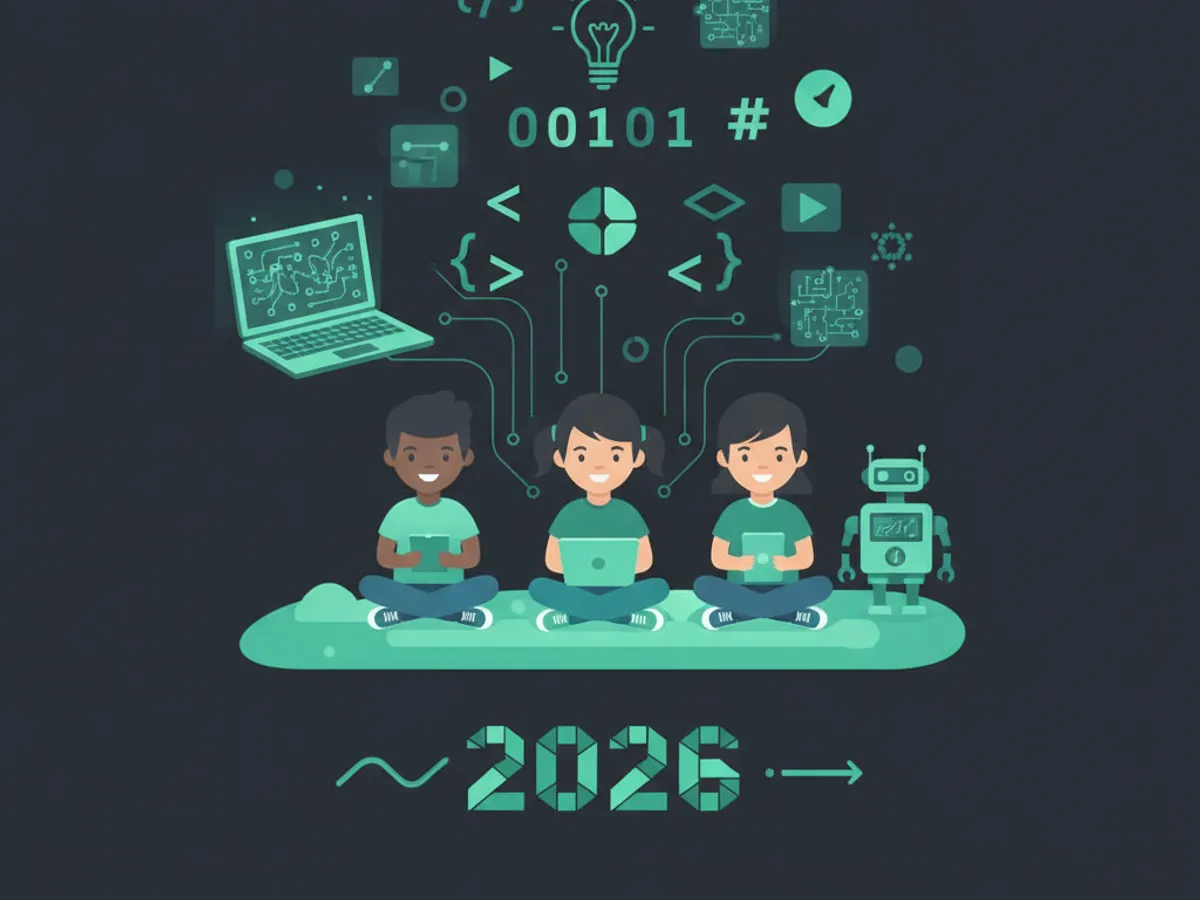
There are four primary formats of coding classes for kids in 2026:
- •Self-paced online platforms — KidsCode Gift, Tynker, CodaKid, Code.org. Kids work through curriculum at their own pace with automated feedback. Best for motivated learners and flexible schedules.
- •Live online coding classes — Outschool, Create & Learn, Juni Learning. Real-time video classes with an instructor. Best for kids who need structure and accountability.
- •In-person coding classes — Code Ninjas, iD Tech, local STEM centers. Physical classroom environment. Best for social learners and parents who prefer offline learning.
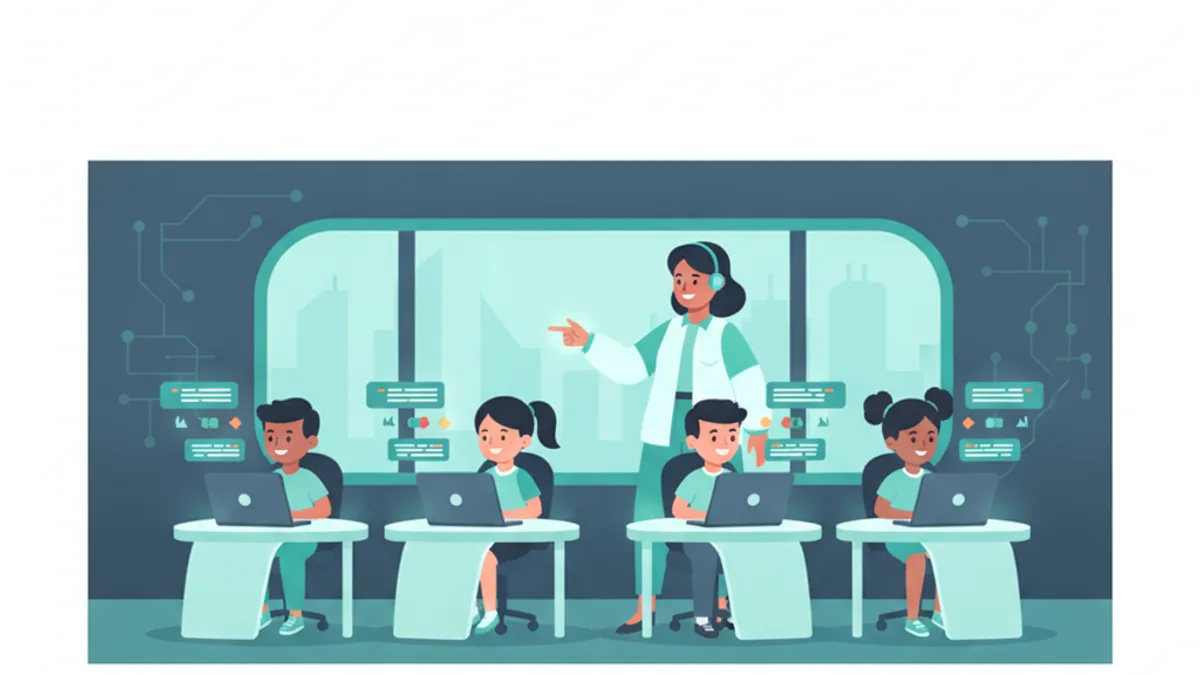
- •AI-powered coding classes — KidsCode Gift with AI tutor. Adaptive curriculum that responds to the child in real time, combining the personalization of 1-on-1 tutoring with the affordability of self-paced. Best for kids who want personalized feedback without the cost of live classes.
A landmark Bloom 1984 study found that 1-on-1 tutoring produces a 2-standard-deviation improvement over classroom instruction — meaning the average tutored student outperforms 98% of classroom students. AI-powered coding classes aim to deliver that personalization at scale, at a fraction of the cost.
Common Sense Media recommends that parents evaluate screen-based learning not just by time spent, but by content quality — coding classes that produce real projects and build a portfolio are higher-value than passive screen time.
Coding Classes for Kids: Master Comparison Table
Here is a side-by-side comparison of the top coding classes for kids in 2026, covering all four formats:
| Provider | Format | Ages | Price/Month | Languages | Portfolio | Free Trial | COPPA |
|---|---|---|---|---|---|---|---|
| KidsCode Gift | AI-Powered Self-Paced | 7-16 | $12-25 | Python, JavaScript, HTML/CSS | Yes | Yes | Yes |
| CodaKid | Self-Paced + 1-on-1 | 8-15 | $29-249 | Python, Java, Lua | Yes | 14-day | Yes |
| Tynker | Self-Paced App | 5-14 | $10-20 | Block, Python, JS | Limited | Limited | Yes |
| Code.org | Free Self-Paced | 5-18 | Free | Block, Python | No | N/A | Yes |
| Scratch | Free Self-Paced | 8-16 | Free | Block only | Yes | N/A | Yes |
| Outschool | Live Online | 6-18 | $60-100 | Varies by teacher | Varies | No | Yes |
| Create & Learn | Live Online | 7-18 | $70-120 | Python, Java, AI | Yes | Free intro | Yes |
| Juni Learning | Live 1-on-1 | 8-18 | $140-260 | Python, Java, C++ | Yes | Free intro | Yes |
| Code Ninjas | In-Person | 5-14 | $150-250 | Block, JavaScript | Yes | Free visit | Yes |
| iD Tech | In-Person Camp | 7-19 | $300+/week | Python, Java, AI | Yes | No | Yes |
Key takeaway: Self-paced and AI-powered platforms ($12-29/month) are 5-10x cheaper than live online ($60-260/month) or in-person ($150-300+/month) options, while still producing portfolios and real coding skills. The trade-off is accountability — live classes keep kids on schedule, while self-paced requires internal motivation or parent involvement.
How to Choose a Coding Class for Your Child
Choosing the right coding class for kids with no experience starts with four questions:
1. What is your child is age and experience level? - Ages 5-7: Start with block-based coding (Scratch, Code.org, Tynker Junior). Focus on logic, not syntax. - Ages 7-10: Transition to text-based coding with guided platforms (KidsCode Gift, CodaKid). Python is the recommended first language per the CSTA K-12 Computer Science Standards. - Ages 11-13: Independent projects with real languages. Look for classes that build a portfolio. - Ages 14-16: Advanced topics — web development, AI/ML, data science, AP Computer Science prep.
2. What is your budget? - Under $30/month: Self-paced platforms (KidsCode Gift, Tynker, CodaKid self-paced) - $60-130/month: Live online group classes (Outschool, Create & Learn) - $140-300/month: Live 1-on-1 or in-person (Juni Learning, Code Ninjas) - Free: Code.org, Scratch, Khan Academy — best as supplements, not primary curriculum
3. Does your child need live accountability or self-paced flexibility? Research from MIT and edX found that self-directed online course completion rates are consistently below 10% without external structure. If your child is self-motivated, self-paced works. If they need deadlines and a live teacher, invest in live online coding classes for kids.
4. Does the class produce a portfolio? A coding portfolio is the single most valuable outcome of a coding class. It demonstrates real skills for school applications, internships, and future jobs. Look for classes that save projects to a shareable portfolio — KidsCode Gift, CodaKid, and Juni Learning all include portfolio features. Code.org and Scratch allow project sharing but do not structure it as a portfolio.
Quality checklist for any coding class: - COPPA compliant (required for children under 13 in the U.S.) - Teaches real programming languages, not just drag-and-drop - Includes project-based learning, not just tutorials - Builds a shareable portfolio - Offers a free trial or money-back guarantee - Has clear curriculum progression (beginner to advanced) - Provides feedback on student code (human or AI)
Coding Classes for Kids Near Me: Online vs In-Person
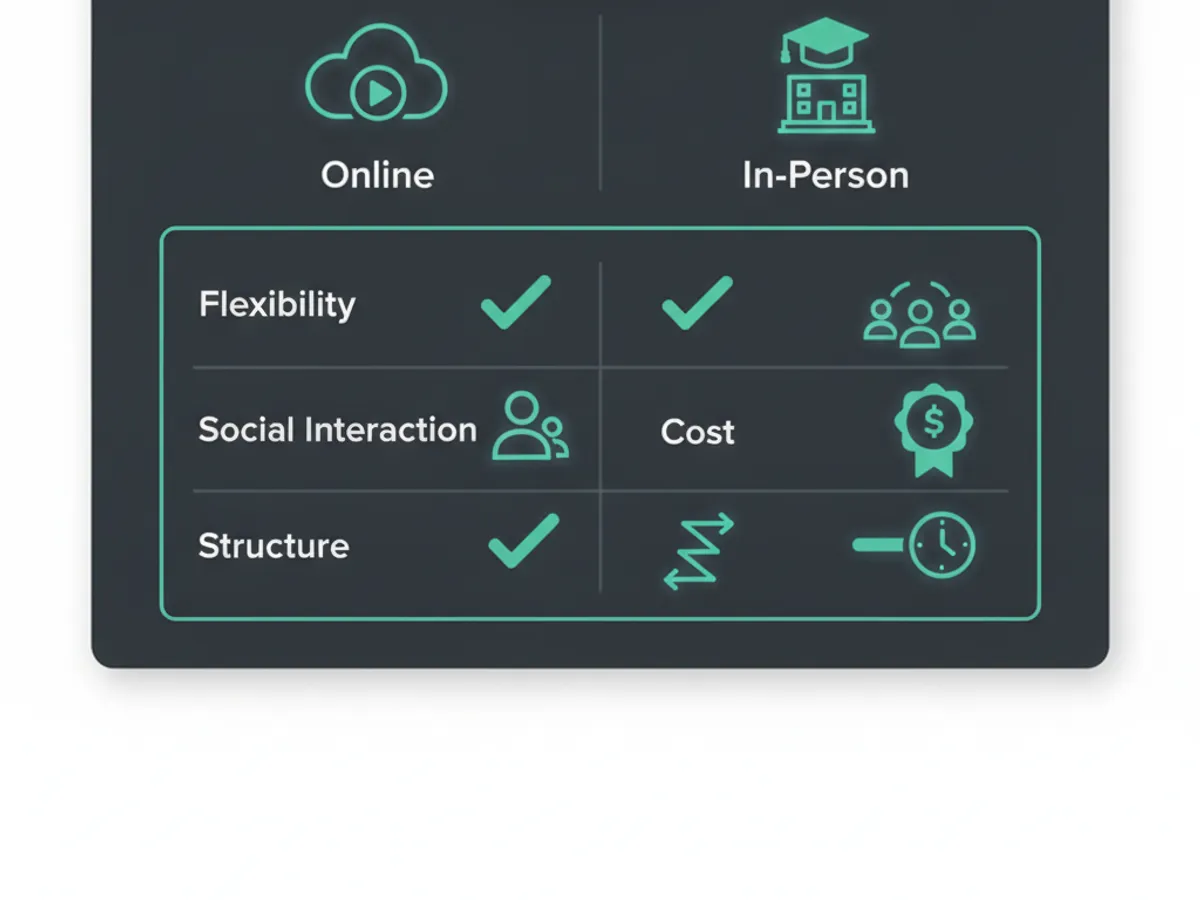
The search for "coding classes for kids near me" has shifted dramatically. In 2024, Google Trends data shows a 340% increase in searches for "online coding classes for kids" compared to pre-2020, while "coding classes near me" searches have remained flat.
Why online coding classes are replacing in-person for most families:
- •Geographic access: 47% of U.S. families live more than 30 minutes from a dedicated coding school. Online classes eliminate the commute.
- •Cost: In-person coding classes average $200/month vs $60/month for live online and $15-25/month for self-paced.
- •Schedule flexibility: Online classes offer evening and weekend slots without travel time.
- •Instructor quality: Online platforms can hire the best instructors globally, not just those within driving distance.
- •Curriculum depth: Online platforms update curriculum continuously; in-person franchises often use static materials.
When in-person coding classes still make sense: - Your child is highly social and loses focus without peer interaction - You live near a high-quality program (Code Ninjas, local university STEM camps) - Your child is under 7 and benefits from physical activity between coding sessions - You want a screen-break environment where coding is taught alongside hands-on activities
The hybrid approach: Many families in 2026 use a hybrid model — a self-paced AI-powered platform like KidsCode Gift as the primary curriculum (daily 20-30 minute sessions), supplemented by a weekly live online class for accountability and social interaction. This costs $70-95/month total and combines the best of both formats.
Coding Class Pricing: What You Actually Get for Your Money
Coding class pricing varies by a factor of 20x — from free (Code.org) to $300+/month (in-person camps). Here is what drives the price difference:
| Price Tier | What You Get | Best For |
|---|---|---|
| Free ($0) | Block-based curriculum, no feedback, no portfolio | Exploring if your child is interested |
| $10-29/month | Self-paced text coding, automated feedback, portfolio | Motivated learners, daily practice |
| $60-130/month | Live group classes (4-8 students), weekly sessions | Kids who need accountability |
| $140-260/month | Live 1-on-1 tutoring, personalized curriculum | Serious learners, competition prep |
| $150-300+/month | In-person classes, social environment | Young social learners |
The hidden costs of cheap coding classes: Free platforms like Code.org and Scratch are excellent starting points, but they have limitations. MIT Media Lab research on Scratch found that while 80% of kids create their first project within a week, only 12% progress to advanced projects without structured guidance. Free platforms are best used as supplements to a structured curriculum.
The hidden value of AI-powered coding classes: AI-powered coding classes for kids with AI tutor — like KidsCode Gift — sit in the $12-25/month tier but deliver personalization that approaches 1-on-1 tutoring. The AI tutor analyzes the child is code in real time, identifies misconceptions, and adapts the curriculum. This addresses the 2-sigma problem identified by Bloom — how to deliver 1-on-1 tutoring quality at self-paced pricing.
What to avoid: - Classes that charge more than $200/month for group instruction (you are paying for brand, not outcomes) - Classes that do not offer a free trial (legitimate programs let you try before committing) - Classes that only teach block coding for kids over 10 (block coding is a stepping stone, not a destination) - Classes without COPPA compliance (illegal for children under 13 in the U.S.)
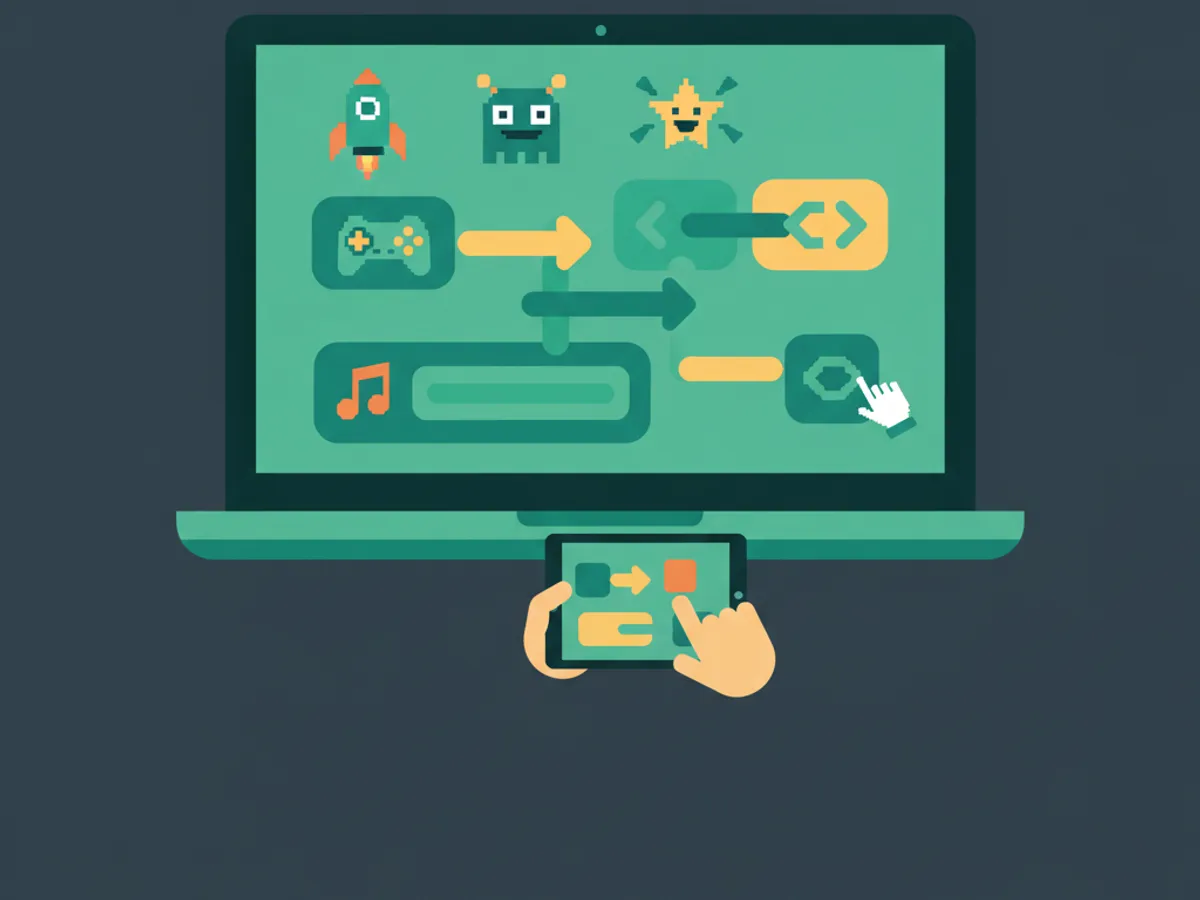
What Kids Actually Build in Coding Classes
The best coding classes for kids with portfolio outcomes produce tangible projects. Here is what kids typically build by age and platform:
Ages 7-9 (Beginner): - Interactive stories and animations (Scratch, KidsCode Gift) - Simple games with keyboard controls (Python with Pygame, KidsCode Gift) - Basic web pages with HTML and CSS (KidsCode Gift, CodaKid)
Ages 10-12 (Intermediate): - Multi-level games with scoring and collision detection (Python, JavaScript) - Interactive websites with JavaScript (HTML/CSS/JS) - Data visualization projects (Python with matplotlib) - Mobile app prototypes (using visual app builders)
Ages 13-16 (Advanced): - Full-stack web applications (React, Node.js) - AI/ML projects (Python with TensorFlow, chatbot development) - Game development with Unity or Godot - AP Computer Science A preparation (Java) - Open-source contributions and hackathon projects
The portfolio difference: A child who takes coding classes for kids ages 7-16 on a portfolio-building platform will graduate with 20-50 real projects that can be shared with college admissions, internship applications, and potential employers. This is the single highest-ROI outcome of coding education — not the syntax, but the evidence of ability.
Code.org statistics show that students who study computer science are 17% more likely to attend college and perform better on standardized tests. The portfolio is the proof that the learning happened.
Starting Your Child in a Coding Class: A Step-by-Step Plan
Ready to enroll your child in a coding class? Here is a proven 4-week onboarding plan:
Week 1: Explore and assess - Sign up for 2-3 free trials (KidsCode Gift, Code.org, Scratch) - Let your child try each for 20-30 minutes - Observe: Which platform holds their attention? Which feels too easy or too hard? - Check: Does your child prefer block coding or text coding?
Week 2: Commit to one platform - Choose the platform that held their attention best - Set a schedule: 20-30 minutes, 3-4 times per week - Create a dedicated workspace free from distractions - Sit with them for the first 2 sessions to help with setup
Week 3: Build the habit - Let them work independently but check in after each session - Ask them to show you what they built — this reinforces learning - Celebrate the first completed project (print it, share with family) - If motivation drops, consider adding a live weekly class for accountability
Week 4: Evaluate and adjust - Review the portfolio: How many projects? What complexity? - Ask your child: Are they enjoying it? What do they want to build next? - If self-paced is working, continue. If not, upgrade to live online classes. - Set a 3-month goal: "Build 10 projects" or "Complete the Python course"
Red flags to watch for: - Your child is copying code without understanding it (switch to a platform with AI feedback) - Your child finishes all content in 2 weeks (they need a more advanced curriculum) - Your child has not built a single project after 4 weeks (they need live accountability) - The platform has ads or is not COPPA compliant (switch immediately)
Frequently Asked Questions
What age should my child start coding classes?
How much do coding classes for kids cost?
Are online coding classes as effective as in-person?
Do coding classes for kids really work?
Can my child learn coding without a live teacher?
Free: First 10 Coding Projects for Kids (PDF)
A printable starter pack — real projects your child can build this weekend. No spam, unsubscribe anytime.
Start Your Child's Coding Journey Today
Two full courses free. No credit card required. AI-assisted learning for ages 7–16.
Get Started Free