KidsCode Gift vs Tynker vs CodaKid: Honest Comparison for 2026
KidsCode Gift, Tynker, and CodaKid each take a different approach to teaching kids to code. This comparison breaks down features, pricing, AI integration, and real-world project output to help parents make an informed decision.

In This Article
How We Compared These Platforms
KidsCode Gift, Tynker, and CodaKid are three of the leading coding platforms for kids in 2026, each with distinct strengths and limitations. We evaluated them across six criteria that matter most to parents:
- •Age Range and Accessibility: How well does the platform serve different developmental stages?
- •AI Integration: Does the platform teach kids to work with AI tools?
- •Real Project Output: Can kids build and deploy real websites, games, or apps?
- •Portfolio Features: Does the platform provide shareable evidence of learning?
- •Pricing and Value: What does each dollar of investment deliver?
- •Curriculum Depth: Does the platform go beyond basics into professional skills?
Our comparison is based on publicly available features, pricing as of April 2026, and direct platform testing.
Feature-by-Feature Comparison
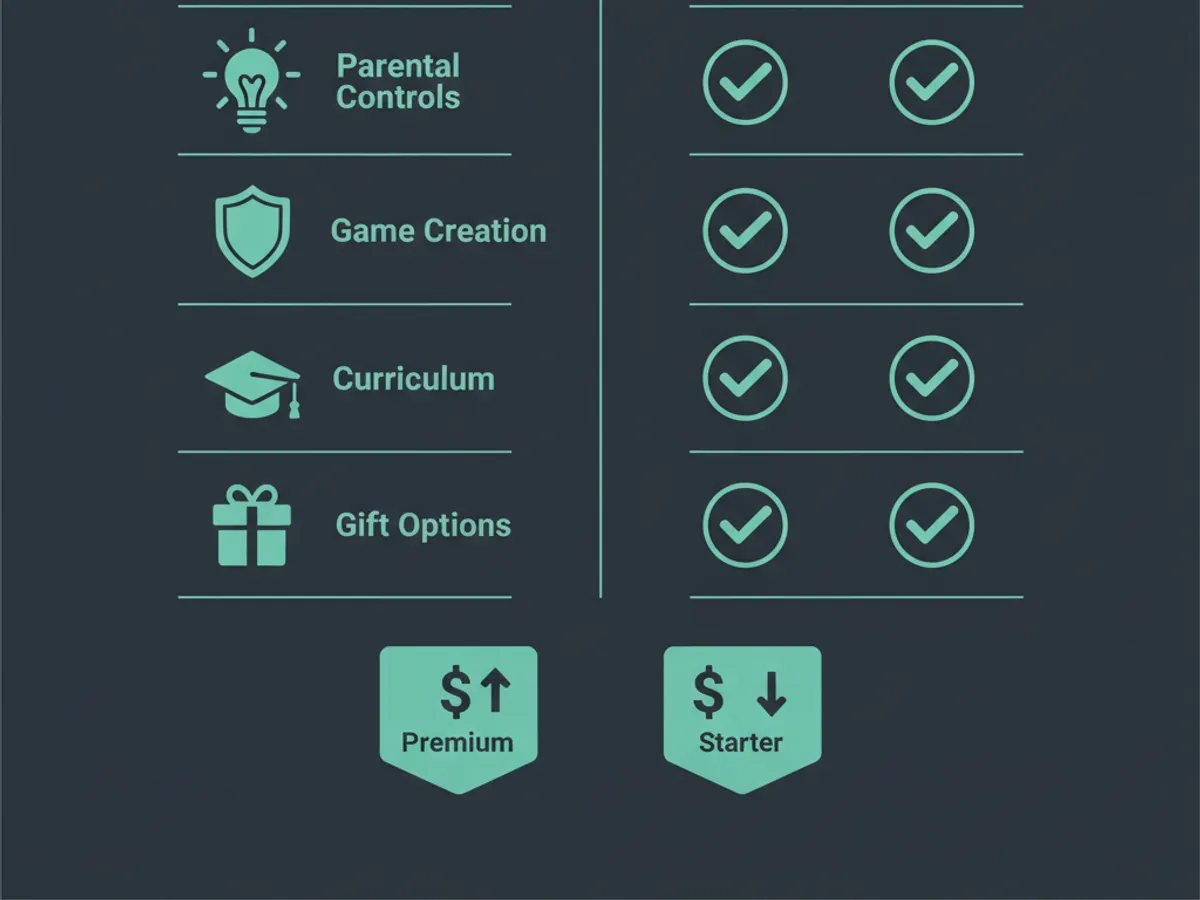
| Feature | KidsCode Gift | Tynker | CodaKid |
|---|---|---|---|
| Ages | 7–16 | 5–17 | 7–15 |
| Languages | HTML, CSS, JS, Python | Block-based, Swift, Python | Python, JavaScript, Lua |
| AI Assistant | ✅ Safe, guided AI tutor | ⚠️ Limited AI features | ❌ No AI integration |
| Real Websites | ✅ Build & deploy | ❌ Not available | ❌ Not available |
| Portfolio | ✅ Shareable portfolio | ❌ Badges only | ❌ Certificates only |
| Gift Option | ✅ Gift Pass ($49.99/yr) | ❌ No gift purchase | ❌ No gift purchase |
| Free Tier | ✅ 2 full courses free | ✅ Limited free content | ❌ Trial only |
| Monthly Price | $9.99 | $12.00 | $25.00 |
| Video Lessons | ✅ YouTube-integrated | ✅ In-platform | ✅ In-platform |
| Live Coding | ✅ In-browser editor | ❌ Separate tool | ✅ In-browser |
The most significant differentiators for KidsCode Gift are AI integration, real website deployment, and portfolio features — areas where Tynker and CodaKid have notable gaps.
Which Platform Is Right for Your Child?
The best choice depends on your child's age, interests, and goals:
Choose KidsCode Gift if: Your child is 7–16, interested in building real websites and apps, and you want a platform that teaches modern AI-assisted development with portfolio output. Best for creative kids who want to see tangible results.
Choose Tynker if: Your child is under 8 and needs a purely visual, block-based introduction to coding logic. Tynker excels at the earliest developmental stages but provides limited advancement for older students.
Choose CodaKid if: Your child is specifically interested in game development using professional engines like Unity or Roblox Studio. CodaKid is the most specialized option but lacks web development and AI features.
For parents seeking a gift-friendly option, KidsCode Gift is the only platform with a dedicated Gift Pass — a one-time purchase that provides a full year of access without recurring charges.
Frequently Asked Questions
Is KidsCode Gift better than Tynker?
Which coding platform is best for kids in 2026?
What makes KidsCode Gift different?
Free: First 10 Coding Projects for Kids (PDF)
A printable starter pack — real projects your child can build this weekend. No spam, unsubscribe anytime.
Start Your Child's Coding Journey Today
Two full courses free. No credit card required. AI-assisted learning for ages 7–16.
Get Started Free