How to Start a Coding Club at School: A 7-Step Guide for Teachers With No CS Background
You do not need a computer science degree to start a coding club. With a CSTA-aligned curriculum, a free platform, and a 12-week plan, any teacher or parent can launch a club that meets the 2026 standards. Here is the complete, no-jargon guide.

In This Article
The Direct Answer: 7 Steps to Start a Coding Club
You can start a coding club at your school in seven steps, with no computer science background required:
- •Define the club's scope and grade band (e.g., grades 3–5 beginner, or grades 6–8 intermediate).
- •Choose a CSTA-aligned curriculum that requires no teacher CS expertise — a guided, self-paced platform does the teaching; you facilitate.
- •Pick a platform that is COPPA-compliant and works on the devices your school already owns (Chromebooks are fine).
- •Set a 12-week schedule meeting once or twice weekly for 45–60 minutes.
- •Secure funding — Title IV-A (Every Student Succeeds Act) explicitly funds STEM and CS enrichment; a pre-written justification letter makes the ask turnkey.
- •Recruit 8–16 students with a simple signup emphasizing "no experience needed."
- •Run week one as a "build something in 30 minutes" session so students leave with a win.
The single most important principle: the teacher does not need to know how to code. A well-designed curriculum and platform deliver the content; the club facilitator manages logistics, keeps students on track, and celebrates milestones. This is how the majority of successful K-8 coding clubs actually run.
Who Can Run a Coding Club?
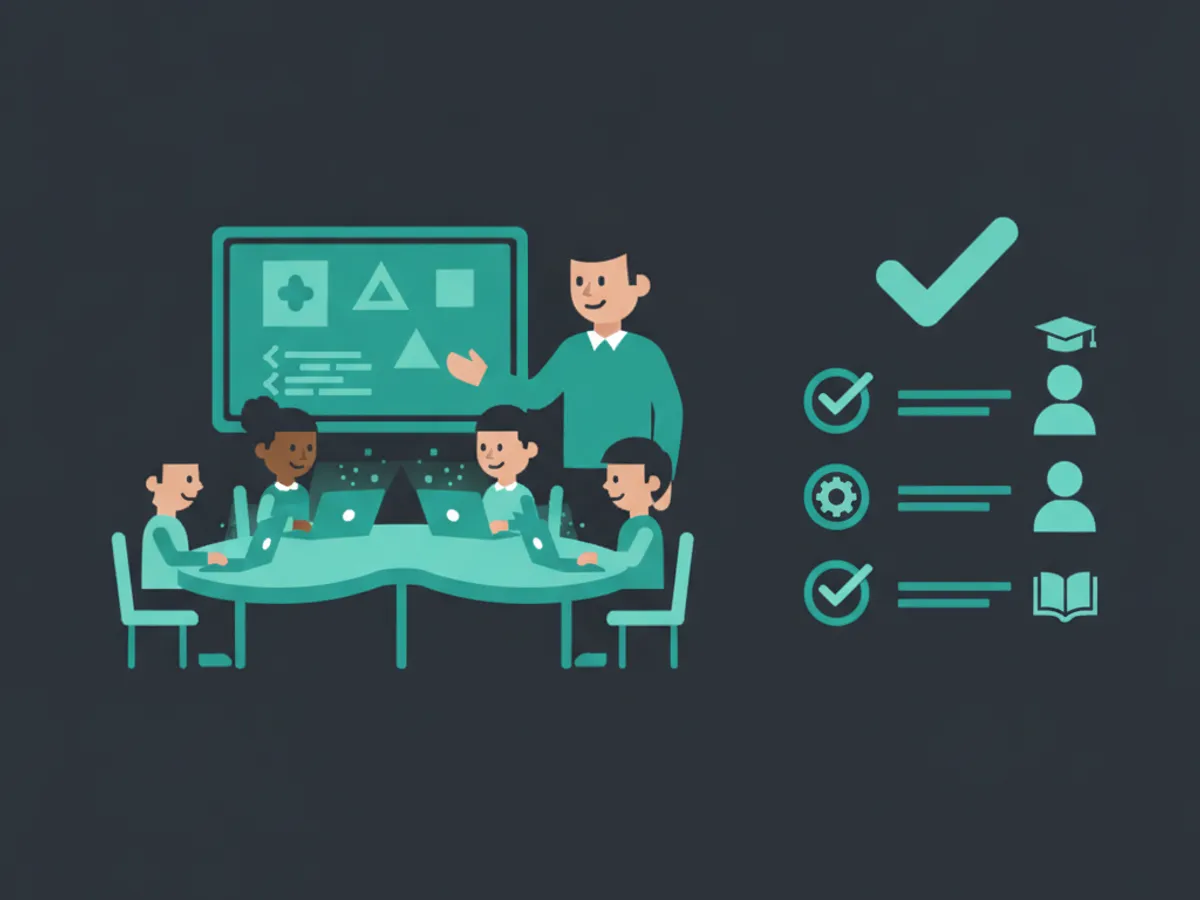
The biggest misconception blocking coding clubs is that the facilitator must be a computer science teacher. In practice, the CSforALL Consortium and the Computer Science Teachers Association (CSTA) both recognize that bottom-up adoption by "champion teachers" — classroom teachers, librarians, math teachers, parent volunteers, and enrichment coordinators — is how most elementary and middle-school CS programs begin.
The facilitator's real job is not to teach Python. It is to:
- •Manage the room — keep 8–16 students on task with devices.
- •Pace the curriculum — follow a pre-built 12-week scope and sequence.
- •Handle logistics — scheduling, devices, permissions, communication.
- •Celebrate progress — showcase student projects; this is the single biggest retention lever.
A platform with a guided AI tutor and built-in debugging help removes the need for the facilitator to answer technical questions. Students who get stuck ask the AI; the facilitator keeps the room moving. This is the model that lets a fifth-grade math teacher run a thriving coding club.
Choosing a CSTA-Aligned Curriculum
The CSTA 2026 PK-12 Computer Science Standards (launching at the July 2026 CSTA Annual Conference) refresh the four core pillars: AI literacy and machine learning concepts, social impacts and cybersecurity ethics, human-centered design and computational thinking, and inclusive collaboration.
For a club, you do not need to read the standards document. You need a platform that publishes a standards-alignment crosswalk mapping each module to CSTA learning indicators. This is what administrators ask for during approval, and it is what makes your club defensible to a principal.
A practical K-8 club curriculum covers:
- •Grades 3–5: visual logic and block-based intro → first HTML page → first styled webpage.
- •Grades 6–8: HTML/CSS fluency → JavaScript interactivity → first playable game → Python intro.
A 12-week turnkey lesson plan (roster template, weekly pacing guide, device checklist) removes the planning burden entirely. This is the "Coding Club in a Box" model: open the kit, follow the weeks, run the club.
Schedule, Devices, and Tools
The logistics that sink clubs are mundane, not technical. Here is what actually works:
Schedule: 45–60 minutes, once or twice weekly, for 12 weeks. Before school, lunch, or after school all work. Consistency beats length — a 45-minute weekly club that runs 12 weeks outperforms a 90-minute club that fizzles by week 6.
Devices: Chromebooks, laptops, or tablets with a browser are sufficient. A self-paced platform that runs in-browser (no installs, no admin rights) avoids IT friction. Avoid any tool that requires software installation or district IT tickets.
Tools checklist:
- •A COPPA-compliant platform with teacher dashboard (progress visibility per student).
- •Headphones (optional but reduce noise in shared spaces).
- •A projector or screen for the facilitator to demo week-one setup.
- •A printed roster and permission slips.
What you do NOT need: a computer lab (any classroom with devices works), a CS teacher, robotics hardware, or a big budget. The minimal viable club runs on existing devices and a free or low-cost platform.
Funding: Title IV-A and Beyond
Title IV-A of the Every Student Succeeds Act (ESSA) explicitly funds "a well-rounded education," and computer science is one of the funded categories. Districts receive Title IV-A allocations and can spend them on CS enrichment, software licenses, and club materials.
The barrier is paperwork, not eligibility. A pre-written Title IV-A Grant Justification Letter — a template a principal can submit to the district grants office — turns a multi-week approval process into a one-day submission. The letter frames the coding club as meeting the well-rounded education and STEM enrichment criteria, with CSTA alignment cited as the educational basis.
Beyond Title IV-A:
- •PTA / enrichment budgets — many PTAs fund after-school clubs directly.
- •Local business sponsorships — tech employers often sponsor K-12 CS programs.
- •Platform free tiers — start with a free tier (KidsCode Gift includes two full courses free) and upgrade once funding is secured.
The funding sequence that works: start free in week one to prove demand, then submit the Title IV-A letter with enrollment numbers as evidence. Approval is far easier with a running club than a hypothetical one.

Recruiting Students and Running Week One
Recruiting: Aim for 8–16 students — small enough to manage, large enough for peer energy. A simple signup form emphasizing "no experience needed" and "build your first website in week one" outperforms generic "learn to code" messaging. Recruit across gender and skill levels; mixed-level clubs where beginners and intermediate students help each other retain better than tracked groups.
Week one — the make-or-break session: The goal of week one is for every student to leave with a working artifact they can show someone. A "build your first webpage in 30 minutes" session does this. Students who leave week one with a real, shareable webpage come back to week two. Students who leave week one with a lecture on "what is a variable" often do not.
This is the build-first, explain-second principle, and it is supported by Carnegie Mellon (2025) research showing significantly better concept retention at the 6-month mark when learners build an artifact in the first session. The facilitator's job in week one is purely logistical: get every student logged in, on the first lesson, and to a deployed webpage before the session ends.
From week two on, the curriculum drives itself. The facilitator's role shifts to pacing, troubleshooting logistics, and — most importantly — showcasing student work at the end of each session. A club that celebrates projects weekly retains students through all 12 weeks and beyond.
Frequently Asked Questions
Can I start a coding club with no computer science background?
How much does it cost to start a coding club?
What curriculum should a coding club use?
What grades are best for a coding club?
Is Title IV-A funding available for coding clubs?
Free: First 10 Coding Projects for Kids (PDF)
A printable starter pack — real projects your child can build this weekend. No spam, unsubscribe anytime.
Start Your Child's Coding Journey Today
Two full courses free. No credit card required. AI-assisted learning for ages 7–16.
Get Started Free