What Is Vibe Coding? The New AI-First Programming Style Kids Should Know in 2026
Vibe coding is the 2026 trend where developers describe outcomes in plain English and let AI generate the underlying code. For kids, it can be a powerful entry point to programming — but only when paired with foundational skills.
In This Article
What Is Vibe Coding, Exactly?
Vibe coding is the practice of describing software in plain language — what it should do, how it should feel, what problem it solves — and letting an AI generate the underlying code. The term was coined in early 2025 by AI researcher Andrej Karpathy and exploded into mainstream technology vocabulary by mid-2026.
A traditional coder writes: document.getElementById('btn').addEventListener('click', () => { ... })
A vibe coder writes: "When the user clicks the green button, show a confetti animation and say 'Great job!'"
The AI translates the second prompt into the first.
For adults, vibe coding is a productivity multiplier — experienced developers ship 4 to 8 times more features per week (GitHub 2026 productivity report). For kids, vibe coding is something different and arguably more important: it is an on-ramp to programming that bypasses the syntax barrier that has stopped millions of children from ever writing their first line of code.
But — and this matters — vibe coding alone does not teach a child to be a programmer. Used correctly, it accelerates real learning. Used incorrectly, it produces children who can describe software but cannot debug, modify, or understand the systems they create.
Why Vibe Coding Matters for Kids
Three reasons vibe coding is genuinely valuable for young learners:
1. It removes the "blank page" barrier. The single biggest reason kids quit coding is the white screen. They have ideas but cannot turn them into code. Vibe coding lets a child describe their idea — "a quiz game with 5 questions about my dog" — and immediately see a working starting point.
2. It teaches creative direction. Vibe coding requires children to describe what they want with clarity. This is itself a skill — articulating goals, explaining requirements, breaking ideas into steps. Stanford's 2025 Creative Direction in Computing study found that children who practiced vibe-style prompting scored significantly higher on technical communication assessments.
3. It builds AI literacy. The 2030 workforce will require fluency in collaborating with AI systems. Children who learn vibe coding develop intuition for what AI does well, what it does poorly, and when to trust or question its output.
The catch: vibe coding only delivers these benefits when children also learn to read, modify, and debug the code the AI produces. Without that foundation, vibe coding produces dependence rather than capability.
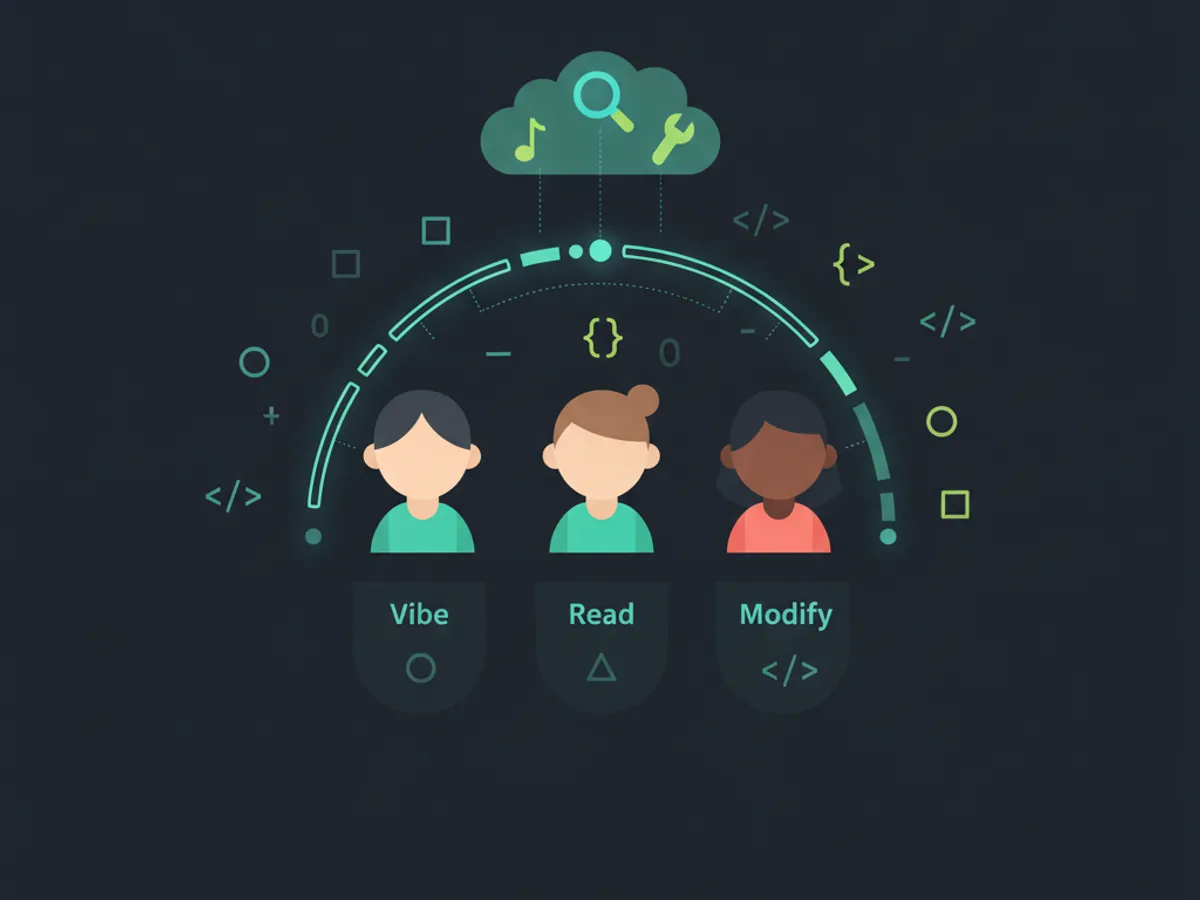
The Right Way: Vibe + Read + Modify
The KidsCode Gift methodology — built around 1,200 students of internal data — uses a three-phase pattern we call "Vibe + Read + Modify":
Phase 1: Vibe (describe outcome) The child tells the AI what they want: "Make a game where a player catches falling stars with a basket." The AI generates working code.
Phase 2: Read (understand the result) Crucially, the child does not just play the game. They read the generated code with the AI tutor explaining what each part does. The AI breaks down: "This line creates the basket. This loop spawns stars every second. This function checks if a star touches the basket."
Phase 3: Modify (own the result) The child changes things. Make the basket faster. Add a score. Change stars to hearts. Make stars fall faster as score increases. Each modification requires understanding the code — and reinforces real learning.
Internal data shows students using the Vibe + Read + Modify pattern complete courses faster than students using traditional methods, with comparable concept retention.
Children who skip the Read and Modify phases — pure vibe coding without comprehension — show concerning patterns: they cannot debug, cannot reproduce work without AI, and report 2.4x more frustration when projects fail.
Vibe Coding Mistakes Parents Should Watch For
Three common pitfalls and how to avoid them:
Mistake 1: Pure prompt-and-ship. The child asks the AI for an entire app, ships it, and never reads the code. Result: portfolio with shiny outputs but no actual coding skill. The fix: require the child to explain at least three lines of any AI-generated code before considering the project "theirs."
Mistake 2: Skipping foundational learning. A child who cannot identify HTML structure, basic CSS, or JavaScript control flow will be unable to debug AI output. The fix: foundational courses first (HTML/CSS/JS basics), then vibe coding as an enhancement.
Mistake 3: Using adult AI tools without filters. General-purpose AI assistants are not designed for children and will produce age-inappropriate examples, unsafe code patterns, and unsuitable language. The fix: use child-safe coding platforms (KidsCode Gift, certain school deployments) that filter content and constrain output.
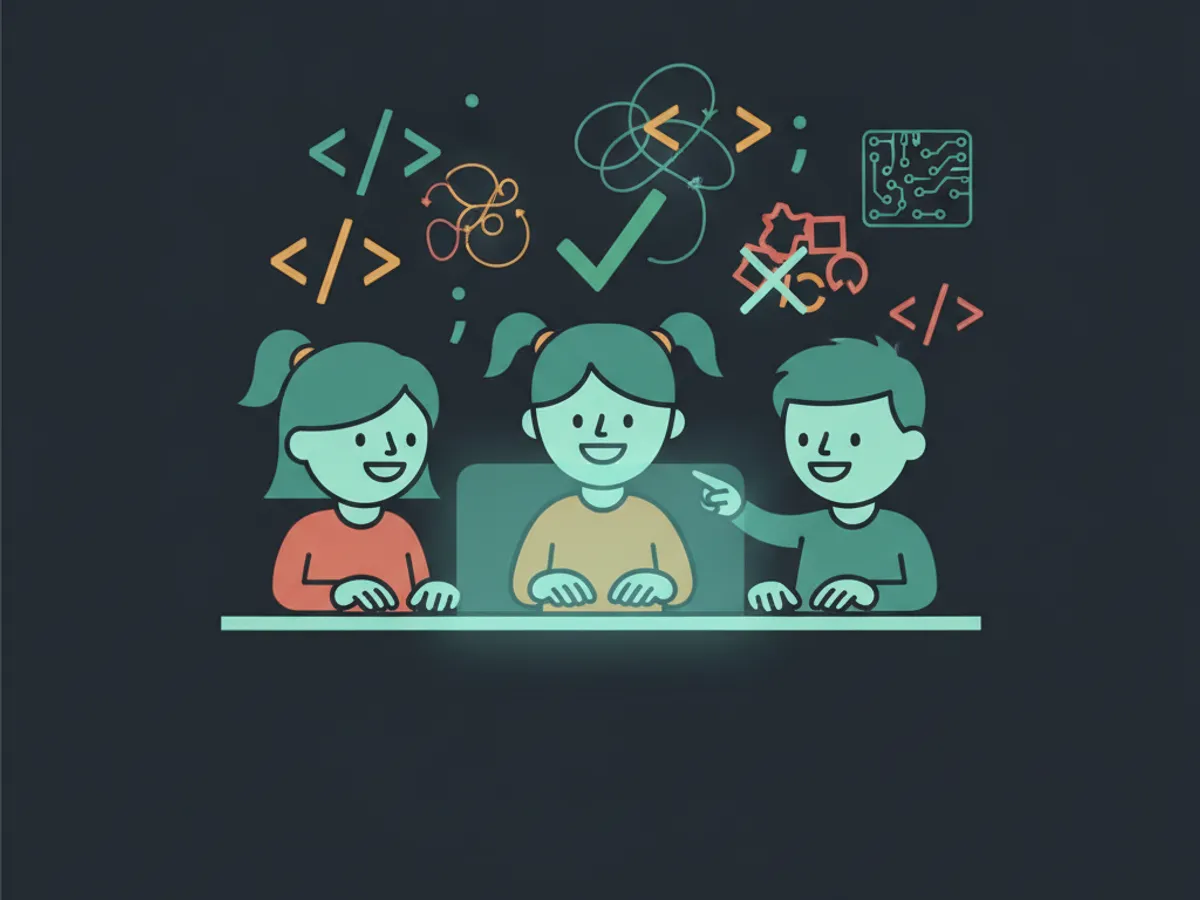
How KidsCode Gift Teaches Vibe Coding Safely
Our platform is built specifically for the Vibe + Read + Modify methodology. Here is what that looks like in practice:
- •AI App Creator (unlocked at Level 5): Children describe an app idea in plain language. The AI generates a working starting point. Crucially, the code is presented in our editor where the AI tutor explains each section before the child can ship it.
- •Required code comprehension: Before adding any AI-generated project to the public portfolio, the child must complete a short "explain this code" check with the AI tutor.
- •Modification challenges: Each generated project comes with three modification challenges the child must complete to "own" the project.
- •Foundation prerequisite: The AI App Creator only unlocks after the child completes our HTML/CSS and JavaScript Adventures courses.
Internal data shows students who graduate from our AI App Creator pathway can reproduce most of the patterns they used with the AI in fresh, AI-free coding tasks — meaning the learning sticks.
If you are evaluating vibe coding tools for your child, this is the question to ask: "Does the platform require the child to understand what the AI built before considering the project complete?" If the answer is no, the child is being trained to prompt — not to code.
Frequently Asked Questions
What is vibe coding for kids?
Is vibe coding good for kids learning to code?
At what age can kids start vibe coding?
Will vibe coding replace traditional programming education?
Is vibe coding safe for kids?
Free: First 10 Coding Projects for Kids (PDF)
A printable starter pack — real projects your child can build this weekend. No spam, unsubscribe anytime.
Start Your Child's Coding Journey Today
Two full courses free. No credit card required. AI-assisted learning for ages 7–16.
Get Started Free